AI Overviews and eCommerce: Which Product Queries Trigger Them (And How to Appear)

For eCommerce teams, AI Overviews should be treated as a new visibility layer, not as a reason to abandon traditional search rankings, product feeds, category pages, or paid and organic shopping surfaces.
The key distinction is query intent. A simple transactional search asks Google to help the shopper get to a known item, price, brand, or retailer quickly. A synthesis-heavy product search asks for judgment: which option is best, how two products differ, what material or feature matters, whether an item fits a use case, or what to buy for a specific problem. “Buy waterproof hiking boots size 10” is a direct commerce query; “best waterproof hiking boots for wide feet in winter” requires comparison, constraints, and buyer guidance.
This article approaches AI Overviews as an eCommerce SEO problem: which product queries are more likely to need a summarized answer, what kinds of store pages can support that answer, and how online store SEO changes when visibility may come from a citation, a surfaced product, a traditional organic result, or an indirect brand touchpoint.
We’ll focus on practical levers: category pages that clarify selection criteria, product pages that answer decision-making questions, buying guides that compare tradeoffs, structured data that describes products cleanly, merchant feeds that keep product details consistent, and measurement that tracks query classes rather than isolated keywords.
AI Overviews Are Changing Product Discovery, But Not Every Product Query Triggers Them
In practice, the SERP layout is the first clue to what Google thinks the shopper needs next. Some product queries need a summarized buying assistant; others need a fast route to inventory, price, location, or checkout.
For AI Overviews and eCommerce, the stronger candidates are searches that combine commercial interest with uncertainty. A query like “ceramic vs stainless steel cookware for induction” asks for differences, tradeoffs, and selection criteria. A query like “running shoes for plantar fasciitis and flat feet” asks Google to connect a problem, a use case, and product attributes. Those searches leave room for synthesis because the shopper is still deciding what matters.
Purely transactional searches behave differently. “Nike Pegasus 41 men’s size 10,” “buy 12 oz glass jars bulk,” or “Target air fryer pickup near me” usually point toward a known product, retailer, SKU, location, or purchase action. In those cases, shopping ads, product grids, merchant listings, map packs, product snippets, and classic organic results may satisfy the task more directly than an AI-generated summary.
The practical takeaway for eCommerce SEO is that AI Overview visibility is not a sitewide feature you either win or lose. It is query-by-query visibility. The same store may be ignored for a narrow SKU search, appear organically for a category term, and be cited or indirectly surfaced for a comparison or buying-guide query.
Expect variation. AI Overview appearances can change by wording, geography, device, user context, and time. No content format, schema field, feed setting, or optimization tactic guarantees inclusion. The goal is to make your pages strong evidence for the kinds of product queries where shoppers need help evaluating choices, not merely completing a transaction.
The Main Trigger Pattern: Product Queries That Need Synthesis
A useful way to score a product query is to ask how many separate judgments the search result has to make before it can be useful. The more the answer depends on combining attributes, constraints, tradeoffs, and buyer context, the stronger the synthesis need.
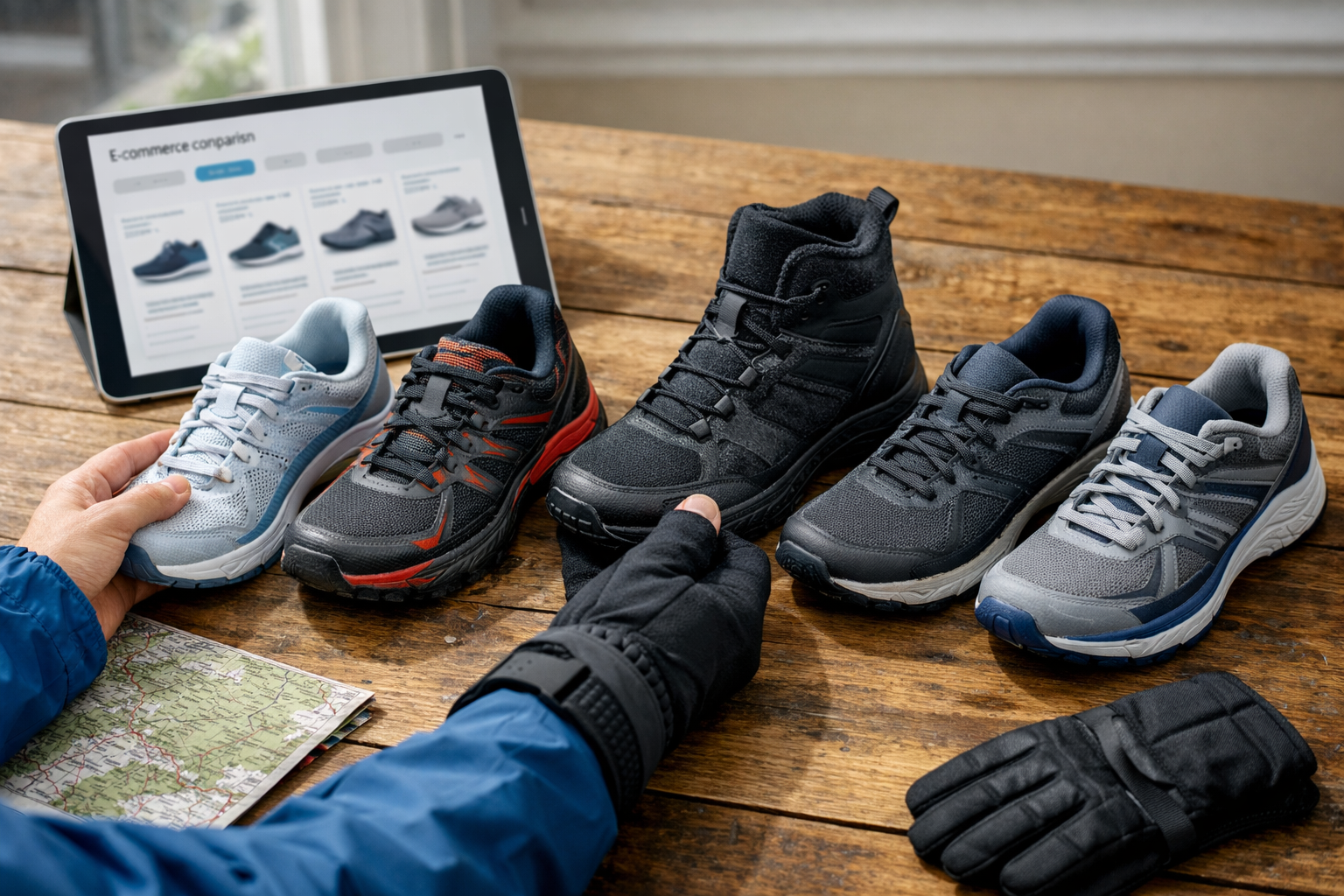
- Higher-likelihood queries are decision-support searches. They ask Google to compare options, interpret product attributes, or recommend a direction: “best trail running shoes for wide feet,” “cast iron vs nonstick skillet for eggs,” “which air purifier for pet dander and allergies,” or “waterproof hiking boots for hot weather.” These searches are not just asking for a product list; they require criteria, pros and cons, use cases, and exclusions.
- Moderate-likelihood queries mix product research with a narrower task. Examples include “how much RAM do I need for photo editing laptop,” “are linen sheets good for hot sleepers,” or “why does my espresso machine leak after descaling.” The shopper may not be ready to buy, but the answer can point toward product types, features, replacement parts, or category pages.
- Lower-likelihood queries usually have a short path to fulfillment: exact model names, SKU searches, “buy” queries, store pickup searches, and simple price checks. These tend to need inventory, price, ratings, delivery details, or a product page more than a synthesized explanation.
The distinction matters for user intent in eCommerce SEO because the same keyword theme can behave differently when the wording changes. “Trail running shoes” is broad category intent. “Best trail running shoes for wide feet on rocky terrain” adds fit, use case, surface, and evaluation criteria. That second query gives an AI system more reason to assemble a summarized answer from product attributes, category knowledge, reviews, and expert guidance.
For eCommerce search optimization, the practical takeaway is to build pages around relationships, not just phrases. A strong page connects the product entity to materials, sizes, compatibility limits, use cases, buyer problems, review themes, and comparison criteria. A weak page repeats the query wording but leaves the shopper to infer who the product is for, what tradeoff it solves, and when another option would be better.
Product Query Types Most Likely to Trigger AI Overviews
Prioritize the query formats where a shopper is trying to choose, qualify, or interpret a product rather than simply find a listing. These are the product queries most worth mapping because they expose the reasoning a search result has to satisfy.
| Query type | Sample patterns | Why it invites synthesis | Best-fit content asset |
|---|---|---|---|
| Comparison queries | “[product A] vs [product B],” “cast iron vs stainless steel,” “ceramic coating vs nonstick” | The shopper needs differences, tradeoffs, and use-case fit. The decision may depend on materials, maintenance, durability, price sensitivity, and cooking or usage habits. | A comparison page, buying guide, or category hub with side-by-side criteria, clear recommendations, and links to relevant products. |
| “Best for” and recommendation queries | “best [product] for [use case],” “best running shoes for flat feet,” “best desk chair for tall people” | The searcher is asking for a narrowed shortlist. The useful answer explains who each option is for, which product attributes matter, and where one option is weaker than another. | A curated category page or editorial guide with named picks, selection logic, product cards, review signals, and internal links to product detail pages. |
| Problem-solution queries | “[product] for [problem],” “air purifier for pet odor,” “shoes for heel pain,” “detergent for sensitive skin” | The buyer starts with a pain point rather than a SKU. The answer has to connect the problem to product types, useful features, and cases where a product may not be the right fit. | A solution guide, filtered category page, or support-led buying guide that maps features to outcomes without making unsupported claims. |
| Compatibility queries | “does [accessory] fit [model],” “charger for MacBook Air M3,” “which filter fits [appliance model]” | The decision depends on matching one product to another. Fit, version, model year, dimensions, connector type, and installation constraints change whether the shopper can safely move forward. | A product page with compatibility tables, a fitment guide, model-specific collection pages, and internal links from parent products to compatible accessories. |
| Buying-criteria queries | “what size [product] do I need,” “how many lumens for kitchen,” “what mattress firmness for side sleepers” | The shopper needs a decision rule before choosing. The content must translate measurements, body type, room size, use frequency, or performance thresholds into practical product choices. | A calculator, sizing guide, category explainer, or decision tree that leads into filtered products. |
| Product education queries | “is [material] better than [material],” “what is merino wool,” “stainless steel vs aluminum water bottle” | The query asks what product attributes mean in practice. The value comes from explaining comfort, durability, maintenance, performance, and tradeoffs in plain buying language. | An educational guide supported by category links, product examples, comparison charts, and concise definitions. |
| Review-summary queries | “is [product] worth it,” “[brand] reviews,” “[product] pros and cons,” “common complaints about [product]” | The shopper wants patterns across opinions, not a single rating. Strong content condenses recurring praise, objections, quality concerns, and ideal buyer profiles. | A review page, product page with substantive review themes, comparison article, or post-purchase insights page that summarizes real decision factors instead of only displaying star ratings. |
For eCommerce SEO, the strongest candidates for appearing in AI Overviews are pages that make the reasoning visible. A category page can compete when it explains filters and selection criteria, not just when it lists products. A product page can support visibility when it answers fit, use case, limitations, and review themes. A guide can earn attention when it helps the shopper choose a product type and then points to specific next steps.
The weak version is easy to spot: generic copy, interchangeable recommendations, missing product attributes, no comparison logic, and no explanation of who should not buy the item. The stronger version gives Google AI Overviews and ordinary searchers the same thing: a clear basis for deciding among real products.
Product Query Types Less Likely to Trigger AI Overviews
The opposite pattern is a query where the shopper has already narrowed the choice and mainly needs a place, price, status, or checkout path. These searches can be extremely valuable for online store SEO, but they usually leave less room for an AI-generated explanation because the best result is often a product page, product grid, ad, merchant listing, map result, or direct purchase option.
- Exact product-name queries use the full name of a known item, such as “Nike Pegasus 41 men’s blue size 10” or “KitchenAid Artisan 5 quart mixer.” The shopper is not asking for criteria; they are trying to find the item. Strong product snippets, accurate titles, images, ratings, price, and availability matter more than a long buying guide.
- SKU and model-number searches include identifiers such as “WH-1000XM5,” “A2485 charger,” or “ABC123 replacement filter.” These queries are even more specific. The practical priority is matching the identifier exactly on the product page, title, variant data, internal search index, and feed fields so the shopper lands on the correct item.
- Branded navigational searches point to a destination, such as “[brand] official store,” “[retailer] returns,” or “[brand] login.” The SERP is likely to favor the brand site, sitelinks, support pages, and known profiles rather than synthesize product advice.
- Local inventory searches add location or immediacy, such as “snow boots near me” or “iPhone charger in stock nearby.” Here, availability, store location, pickup options, and local results are usually the decision layer.
- Price-only searches such as “[product] price,” “cheapest [model],” or “[SKU] discount” are comparison-light but transaction-heavy. Merchant listings, ads, promotions, and price-rich product results can carry more weight than explanatory content.
- “Buy now” searches make the next action explicit: “buy replacement water filter now” or “order dog food online.” The page that wins is usually the one that removes friction with clear stock status, shipping terms, payment options, reviews, and a visible path to checkout.
The takeaway is not to ignore these queries. They are often closer to revenue than synthesis-heavy searches. Treat them as product-data and landing-page precision work: clean names, complete variant information, consistent pricing, review signals, crawlable product pages, and feed accuracy. AI Overviews may be less central here, but the same store can still win through merchant listings, product snippets, organic rankings, and paid shopping visibility.
Category Pages vs. Product Pages: Which Can Appear in AI-Assisted Results?
The page that deserves visibility is the one whose job matches the unresolved decision in the query. A category page is not a weaker product page; it is a selection page. A product page is not a shorter buying guide; it is proof for one item. Treat each template as a different evidence source.
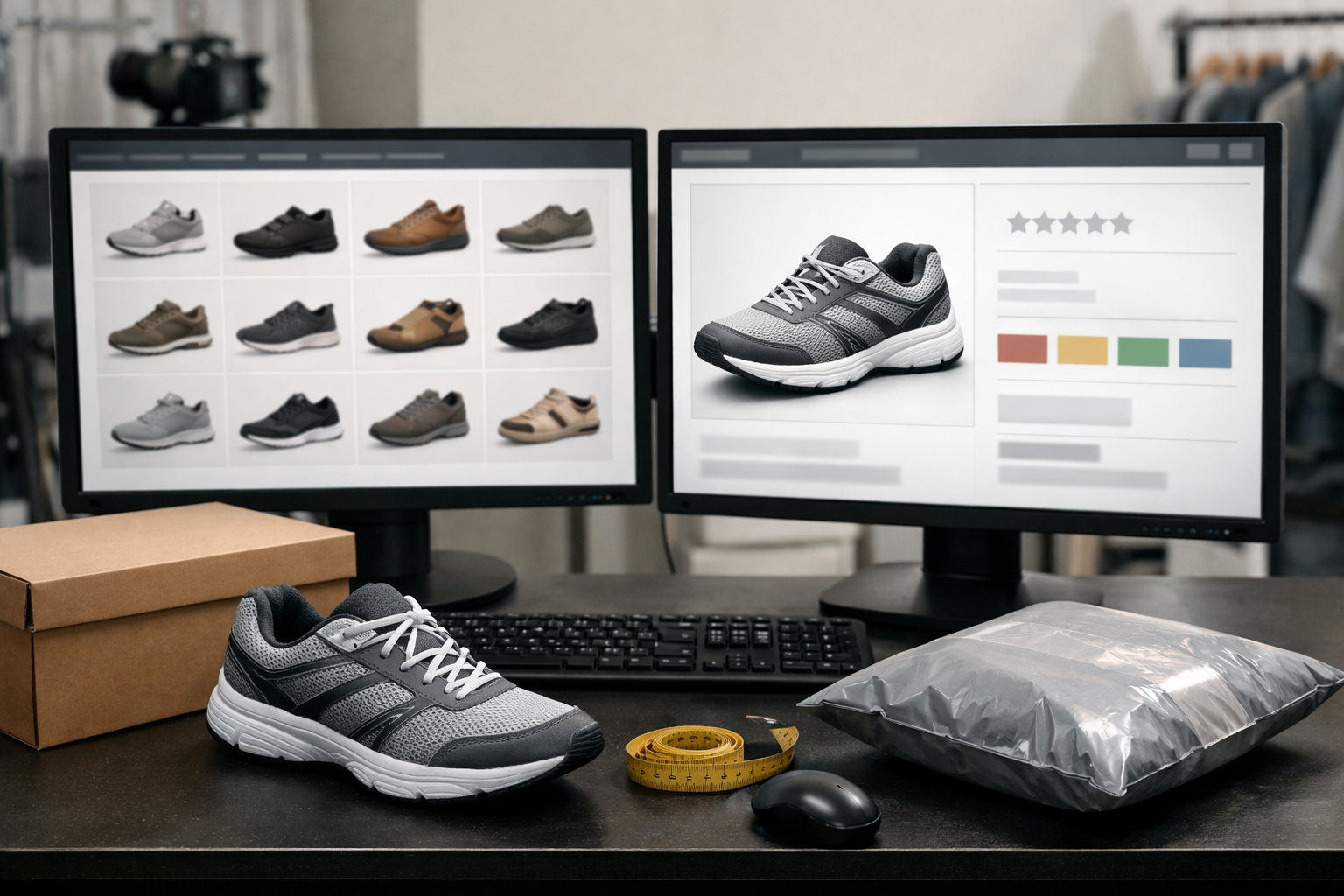
- Category pages work best for broad choice queries such as “best trail running shoes for muddy paths” or “organic cotton crib sheets.” Strong category page SEO gives the shopper a reason to narrow the set: filterable attributes, plain-language explanations of materials or features, visible subcategories, comparison cues, and links to the product pages that prove each option. Weak category copy is a few generic sentences above a grid with no buying logic.
- Product pages are stronger for specific product, attribute, and use-case queries: “waterproof hiking boot with wide toe box,” “Model X battery life,” or “is this backpack carry-on size.” Product page optimization should make the individual item easy to evaluate with specs, variant details, images, reviews, use cases, limitations, availability messaging, and product schema where appropriate. A thin PDP only repeats the manufacturer blurb and leaves the shopper to infer fit.
- Buying guides fit queries where the shopper needs education before choosing a category or feature set, such as “how to choose a standing desk” or “what gauge stainless steel sink is best.” Their job is to explain criteria, tradeoffs, and decision paths, then route readers into relevant categories or products.
- Comparison pages are useful when the query names alternatives: “memory foam vs hybrid mattress” or “ceramic vs stainless cookware.” They should define the difference, show who each option suits, and connect the comparison to real inventory rather than ending as abstract advice.
- Blog content can support early-stage and problem-led searches, but it should not compete with commercial pages unnecessarily. Its value is answering context-heavy questions and internally linking to the category, guide, or PDP that handles the purchase decision.
The practical takeaway: do not force every AI-assisted query toward a blog post. Build a page-type map. Broad selection queries usually need category or guide depth; named alternatives need comparison logic; specific model and attribute queries need product-level proof. The more each page contributes a distinct decision-making role, the less likely your site becomes a set of duplicative pages chasing the same query with shallow content.
How Online Stores Can Increase Their Chances of Being Cited or Surfaced
Once each page has a defined job, improve the proof inside it. The practical target is simple: make the page answer the shopper’s next decision without forcing them to infer facts from photos, reviews, or generic copy. That supports AI search optimization for eCommerce while also strengthening ordinary eCommerce SEO signals such as relevance, usefulness, and internal discoverability.
- Make product attributes explicit. Attributes are the concrete details shoppers use to filter or compare: dimensions, materials, ingredients, wattage, capacity, fabric weight, fit, included accessories, and variant differences. Do not bury them in lifestyle copy. A strong product page says “32-inch inseam, relaxed thigh, tapered ankle”; a weak one says “comfortable everyday fit.”
- Add use-case guidance. Use-case content explains when an item is the right choice. For example, a cookware page can distinguish “best for high-heat searing” from “best for low-maintenance cleaning.” This helps “best for” and problem-solution queries because the page connects features to real buying situations instead of listing specs without interpretation.
- Use comparison tables where choices are close. A comparison table shows decision criteria side by side. Compare the factors that change the purchase decision: size range, material, care requirements, ideal user, support level, or return terms. The tradeoff is clarity over completeness: ten meaningful rows beat thirty copied specs.
- Include first-hand testing notes and original visuals. Testing notes explain what your team observed: fit on different body types, assembly time, noise level, packaging, texture, color under natural light, or performance after repeated use. Original images, short demonstrations, and annotated photos make the page more useful than a manufacturer description alone.
- Summarize reviews into buyer language. Review summaries should identify patterns, not cherry-pick praise. Separate “customers like,” “customers mention,” and “watch-outs.” For example: “Many buyers praise the wide toe box, but narrow-footed reviewers often prefer the alternate model.” That kind of review analysis turns scattered feedback into decision support.
- Clarify sizing, compatibility, shipping, and returns. Sizing guidance explains how to choose a variant. Compatibility guidance explains what the product works with and what it does not. Shipping and returns clarity reduces purchase uncertainty. These details matter most when the query includes a constraint such as “fits small apartments,” “works with induction,” or “easy returns for shoes.”
For product page optimization, add concise answer sections near the supporting content rather than as isolated SEO snippets. A concise answer section is a short, direct response to a predictable decision question: “Is this jacket warm enough for winter commuting?” or “Which size should I choose if I’m between sizes?” Answer first, then point to the relevant specs, comparison table, guide, or review pattern.
Finally, connect the evidence. Link category pages to buying guides, guides to comparisons, comparisons to product pages, and product pages back to relevant support content. Internal links help shoppers move through the decision path and help each page reinforce a distinct role. If a shopper has to open five tabs to understand fit, tradeoffs, proof, and purchase terms, the store has not done enough of the work on-page.
Technical Signals: Product Schema, Merchant Feeds, and Platform Setup
Technical cleanup turns that on-page evidence into machine-readable product facts. The goal is consistency: the product name, variant, price, availability, reviews, shipping promise, and return terms should tell the same story in the visible page, structured data, and merchant feed.

- Product schema.Product schema is structured data for products that labels core facts such as name, image, description, brand, SKU, offers, price, currency, availability, condition, and variants. A strong implementation marks up the exact purchasable item on the page; a weak one describes a generic product family while the page sells multiple variants with different prices or stock states.
- Reviews and aggregate ratings. Review markup identifies individual reviews, while
aggregateRatingsummarizes the overall rating count and score. Use it only when the ratings are visible to shoppers on the same page. The useful distinction is proof versus decoration: real review data can support trust signals, while copied or hidden ratings create inconsistency. - Price, availability, shipping, and returns. These fields reduce ambiguity for commercial results. Price tells the current offer, availability tells whether the item can be purchased, shipping data describes delivery cost or service conditions, and return policy data explains post-purchase risk. If the page says “in stock” but the feed says “out of stock,” the store is sending conflicting commerce signals.
- Merchant Center feeds. A merchant feed is a product-data file or API connection used to submit commerce attributes such as titles, images, GTINs, pricing, inventory, shipping, and sale details. Treat the feed as a second source of truth that must match the page. Good feed hygiene uses specific titles, clean variant attributes, valid identifiers, and current stock data; weak feeds rely on vague titles and stale inventory.
Platform setup changes the implementation path, not the strategy. Shopify stores often depend on themes and apps for structured data and feed management; BigCommerce stores usually give teams strong catalog and URL controls, but custom themes, apps, and migrations can still create duplicate markup or mismatched canonical tags. For BigCommerce SEO, the practical checkpoint is whether the rendered product page, schema output, canonical URL, and feed item all describe the same canonical product or variant.
Indexation hygiene matters because AI-assisted and standard commerce results still need crawlable, coherent pages. Keep product descriptions, comparison content, review summaries, and key attributes visible in HTML rather than locked behind scripts or tabs that never render. Use canonical tags to consolidate duplicate product URLs, control faceted navigation so filter combinations do not create thousands of thin indexable pages, and noindex low-value internal search or parameter pages when they do not deserve search visibility.
None of these technical signals guarantees an AI Overview citation. They improve the store’s ability to be understood, matched, and surfaced across product results, rich results, merchant listings, and organic rankings. The best technical setup makes every product fact consistent enough that Google does not have to guess which version is correct.
How to Measure, Prioritize, and Adapt as AI Overview Behavior Changes
Measurement should start before you decide whether an AI Overview helped or hurt you. Build reporting around query classes, not just individual keywords, because the same page can serve several decision moments: “best running shoes for flat feet,” “trail shoes vs road shoes,” and “waterproof running shoes for winter” may all touch one category, but they represent different shopper questions.
- Query class. Group keywords by intent pattern: comparison, best-for-use-case, problem-solution, compatibility, sizing, alternative, exact product, and price or availability. This changes analysis from “one keyword moved” to “comparison demand is gaining impressions but losing clicks,” which is more useful for eCommerce search optimization.
- SERP presence.Track whether an AI Overview appears for each query class through manual spot checks, saved screenshots, or SERP tracking tools. Manual checks are useful for high-value terms; tools are better for scale. Keep the date, location, device, query wording, AI Overview presence, cited domains, shopping modules, and organic result positions.
- Intent segment. Separate informational-commercial searches from bottom-funnel searches. A buying-guide query may lose some direct clicks but send more qualified visitors later; an exact product query should be judged more directly against product-page clicks, add-to-cart behavior, and revenue.
- Performance comparison. Compare impressions, clicks, click-through rate, search rankings, organic sessions, assisted conversions, revenue, and engagement by query class. The question is not only whether traffic changed, but whether AI Overviews reduce visits, shift them to different pages, or qualify shoppers before they arrive.
Prioritize where the upside is largest and the store can add evidence competitors cannot. Start with high-margin categories, high-consideration products, comparison queries, and questions supported by your own product testing, customer reviews, fit data, return reasons, support tickets, or category expertise. That keeps online store SEO focused on decisions where better answers can influence both visibility and revenue.
What eCommerce Brands Should Do Next
Turn the taxonomy into an operating checklist, not a separate AI project. Put the most effort into queries where shoppers are still deciding: comparing options, matching products to a use case, solving a problem, checking fit, understanding materials, or narrowing alternatives. Treat exact product names, model numbers, SKU searches, and price-or-availability searches differently; those usually need cleaner product data, stronger landing pages, and faster purchase paths more than expanded explanatory content.
- Prioritize decision pages. Build or improve category pages, comparison pages, buying guides, and support content around the questions that change what someone buys. A strong page explains selection criteria; a weak page lists products without helping the shopper choose.
- Strengthen product proof. Product page optimization should make attributes, variants, reviews, limitations, shipping details, and return expectations easy to understand. The goal is not to stuff in AI-targeted copy, but to make each product a reliable evidence source.
- Keep data aligned. Match visible page content, structured data, merchant feeds, internal links, and indexable URLs so search systems receive a consistent picture of each product and category.
- Measure by intent. Review performance by query class, page type, and revenue impact so eCommerce SEO decisions reflect how shoppers actually move from research to purchase.
The practical takeaway is simple: do not optimize for AI Overviews in isolation. Build the clearest answer for the shopper’s decision, support it with accurate technical signals, and keep improving the pages that influence profitable product discovery.