

How We Built a SaaS Marketing Site on WordPress
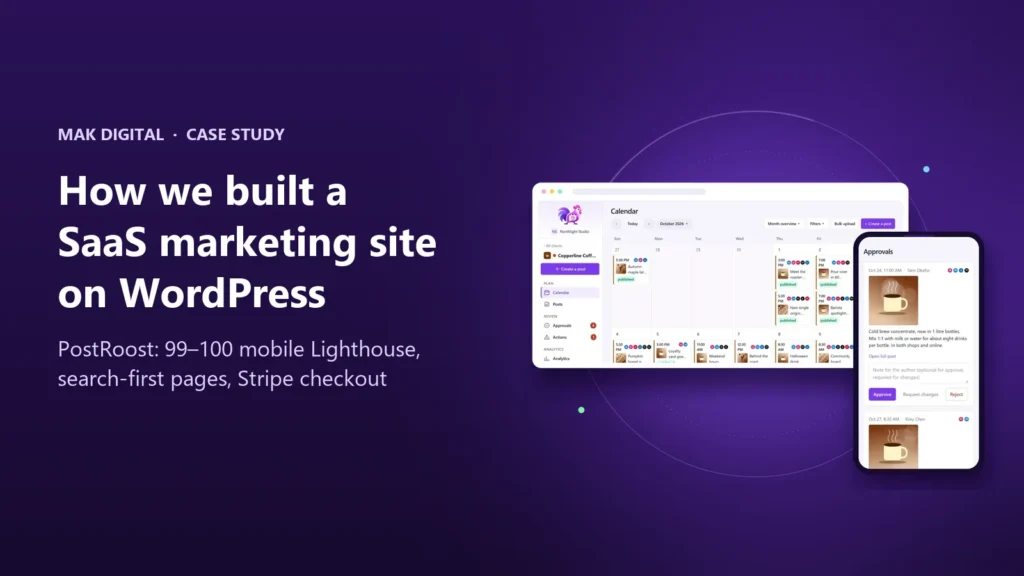
When we built PostRoost, our own social media scheduler for agencies, we had to decide where its public website would live. The application is written in Next.js. The obvious move was to build the marketing pages in the same framework. We put them on WordPress instead, and the live site now scores 99 to 100 on mobile Lighthouse with 55 pages and more than 70 articles published.
This article explains the decisions behind that build: why the marketing site and the product are separate, how the theme stays fast, how search intent shaped every page, and how checkout on WordPress hands a paying customer to the app. The full project is in the PostRoost case study. Here we focus on the parts you can reuse for your own SaaS or software website.
Why the marketing site is not part of the app
A SaaS company runs two websites whether it plans to or not. One is the product, used every day by people who are logged in. The other is the public site, read by people who have never heard of you and arrive from search, ads or a link. They have different jobs, different release schedules and different people editing them.
Putting both in one codebase couples those schedules. A pricing change or a new comparison page waits for a developer and a deployment. A product release can break a page that ranks. Splitting them removes that coupling:
- The app (Next.js, React, PostgreSQL) can ship several times a day without touching a public URL.
- The marketing site (WordPress) lets the team write, schedule and update pages and posts in an editor they already know, with revisions and roles built in.
- A written contract between the two covers the only things they share: plans, checkout, billing accounts and the link from a paid subscription to the agency in the app.
WordPress is not the only choice for the public site, but it is the one that gives marketers the most independence for the least ongoing cost. That matters more after launch than on launch day.
A custom theme with no page builder
Page builders are quick to start and expensive to keep. They load their own CSS and JavaScript on every page and store layout in the content, which makes pages heavy and hard to change consistently. For PostRoost we wrote a classic WordPress theme with 22 page templates: home, pricing, plan pages, features, integrations, solutions, comparisons, guides, free tools, the blog and its categories.
Each template reads structured fields: heading, introduction, buttons, hero screenshot, related links, FAQs, SEO title and description. Editors change the words; the template decides the layout. A new feature page takes minutes and looks like every other feature page.
How the site stays fast
Speed was a requirement written down before design started, with budgets that automated tests check on every page:
- CSS: one stylesheet, about 13.5 KB compressed, for the entire site.
- JavaScript: about 2 KB for navigation and small interactions. Tool scripts load only on their own tool pages, and no Stripe script loads on marketing pages.
- Fonts: system fonts for body text, one preloaded heading font subset with a size-matched fallback so text does not jump when it loads.
- Images: AVIF with WebP fallback at four widths, explicit width and height, the hero image loaded first and everything below the fold loaded lazily.
- WordPress defaults removed: block library styles, emoji scripts, embeds and other head output the site does not use.
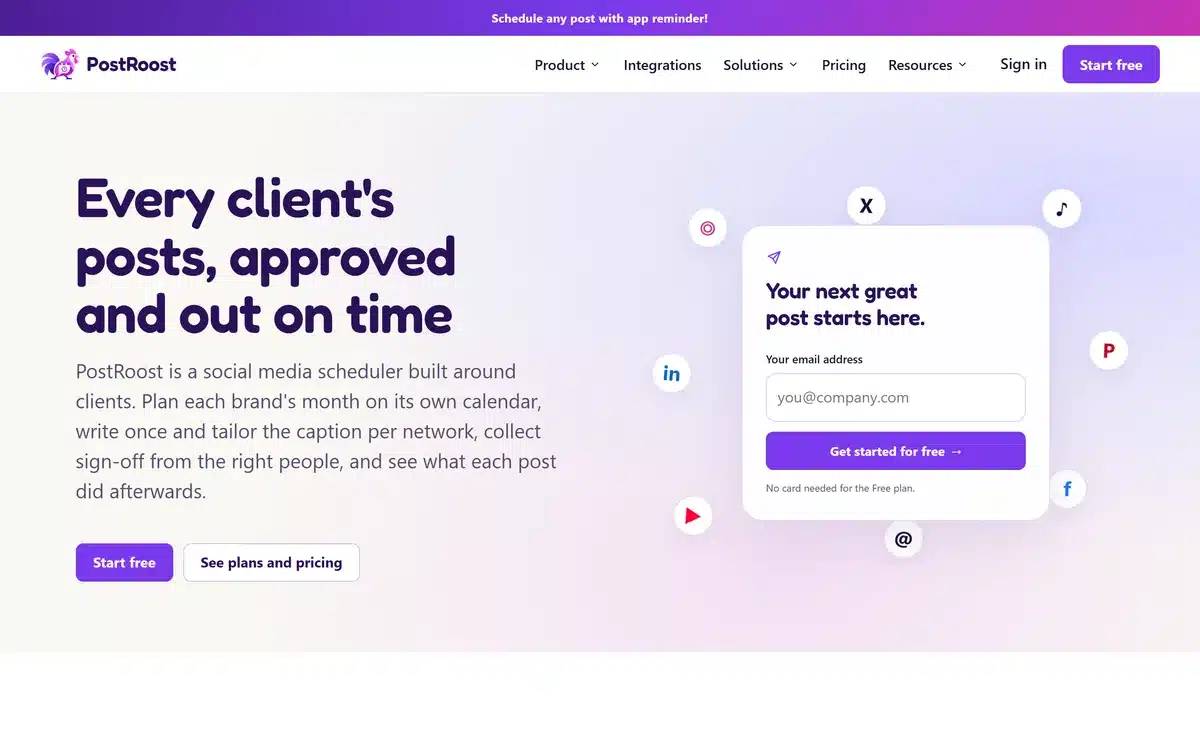
On the live site, measured with Lighthouse in its default mobile profile (median of three runs), the home page scores 99 with a Largest Contentful Paint of 1.65 seconds, and the pricing page, a feature page and the blog index score 100. Layout shift is zero on all four. Lab scores are not the same as real-user Core Web Vitals, which Search Console will report once there is enough traffic, but a site that is fast under simulated slow mobile conditions starts from a strong position. You can test your own pages with our free website speed check, and our speed optimization service covers the fixes.
Every page planned around one search intent
Before any copy was written, we built a page map: one row per URL with its search intent, title, description, H1, canonical address, main call to action and the pages it links to and from. Two pages never target the same intent, so they never compete with each other in search results.
The map produced page families that match how people search for software:
- Features for “social media approval workflow” or “content calendar for clients”.
- Solutions for “social media tool for agencies” or “for small business”.
- Integrations, one per network, for “schedule Instagram posts” style searches.
- Comparisons for people already weighing alternatives.
- Free tools, such as a character counter and a UTM builder, that answer a small task and introduce the product.
- The blog for questions earlier in the journey, with categories that group related articles.
Internal links follow the same map. A blog article links to the feature it describes, the feature links to its plan and to the integrations it uses, and the pricing page links back to the features. That structure is what search engines use to understand which page is the best answer for a query. Our WordPress SEO work for clients starts with the same map.
Structured data that matches the page
Every published PostRoost page carries ten FAQs written for that page, checked against what the product actually does. The theme prints them on the page and outputs the matching FAQPage markup, together with breadcrumbs and a SoftwareApplication description, from the same fields. Because the markup is generated from the visible content, the two cannot drift apart when someone edits a question.
FAQ rich results are now limited to a small set of sites, so the FAQs are not there for a search feature. They are there because they answer real objections on the page, and because clear question-and-answer content is easy for both search engines and AI assistants to quote. You can check your own markup with our schema check.
Checkout on WordPress, access in the app
The trickiest part of a split SaaS site is the moment someone pays. On PostRoost the customer picks a plan on the website and pays through Stripe. A custom billing plugin owns checkout, billing accounts and Stripe’s webhooks. It then tells the application what changed through an outbox: each change is stored first and delivered with a signature, and retried until the app confirms it. A short network failure delays an update; it never loses one.
The app keeps its own verified record of what each agency has paid for. That protects customers during a downgrade: a plan with fewer client slots cannot silently remove a client’s work. Checkout and account pages are excluded from the page cache and the sitemap and marked noindex, so private pages never appear in search.
If you sell subscriptions, memberships or software licenses from a WordPress site, this is the pattern we recommend. It is part of our custom development work.
Content that keeps publishing after launch
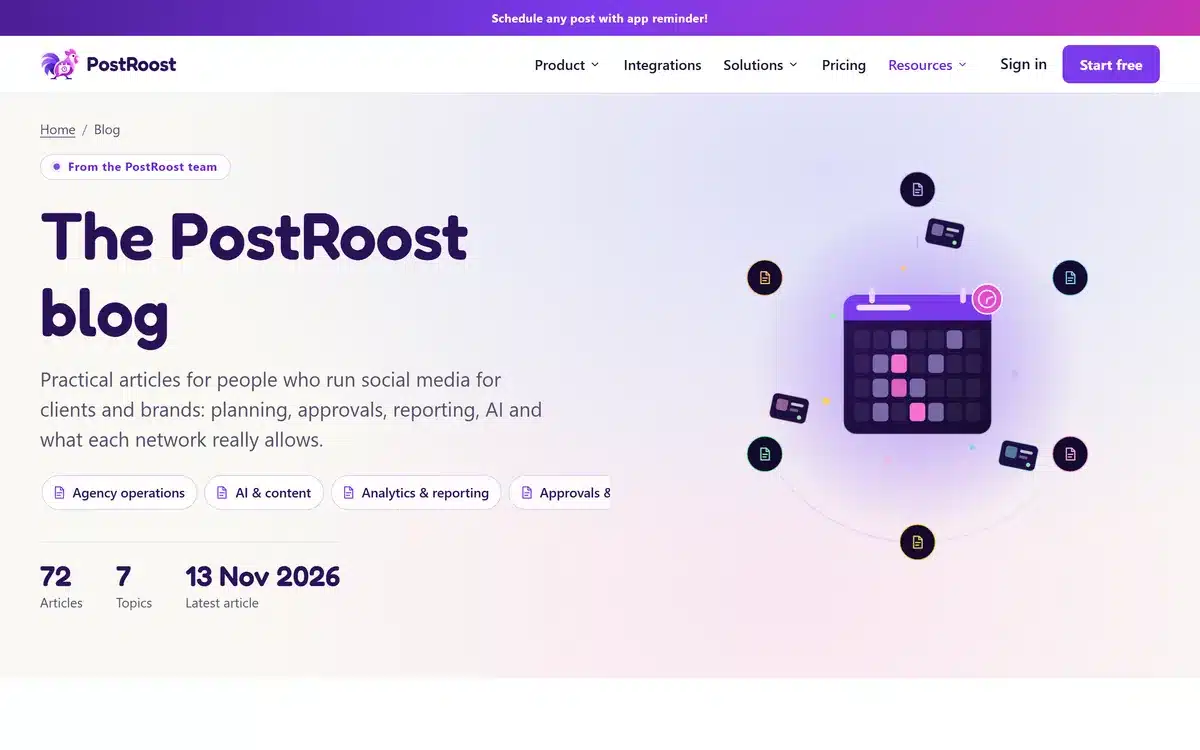
A new domain has no search history, so content has to be useful from the first day and keep arriving. PostRoost launched with an editorial queue: articles are written and reviewed in advance, then published automatically on weekdays at fixed times. Each one has an SEO title, a description, a featured image, an author and links to the relevant product pages. The sitemaps currently list 72 posts in 7 categories.
A schedule like this is only worth having if every article answers a real question better than what already ranks. We use competitor research to understand what people search for, then write original articles with our own examples. That is the approach behind our content marketing service.
A checklist for your own SaaS site
- Keep the marketing site separate from the product, with a written contract for billing and accounts.
- Write the page map, one search intent per URL, before you write copy.
- Build templates with structured fields instead of a page builder.
- Set budgets for CSS, JavaScript and page weight, and test them automatically.
- Generate structured data from the same fields the visitor sees.
- Keep checkout pages out of the cache, the sitemap and the index.
- Only claim what the product does today.
- Plan a content schedule you can keep up for months, not weeks.