
eCommerce Keyword Research: A Step-by-Step Framework for Online Stores

Start with the product catalog, not the keyword tool: a high-volume phrase is useful only if it can be served by real inventory, meaningful product attributes, and a page that helps the shopper choose. For a store, the target is not only traffic; it is matching demand to inventory, merchandising, and revenue.
In a content site, a keyword often becomes an article topic. In online store SEO, the same keyword can require a different destination depending on intent. “Women’s waterproof hiking boots” is usually a category or subcategory target because the shopper wants a range of products to compare. “Merrell Moab 3 waterproof women’s size 8” is better suited to a product page because the query names a specific item and variant. “Merrell vs Salomon waterproof hiking boots” points toward comparison content, while “Merrell women’s hiking boots” may justify a brand collection if the store carries enough relevant inventory.
The practical consequence is that every keyword decision changes the store. A category keyword can affect navigation, internal links, filters, and collection copy. A product keyword can affect titles, product descriptions, variant labels, and structured merchandising. A comparison or buying-guide keyword can create supporting content that sends qualified shoppers toward commercial pages instead of competing with them.
This eCommerce keyword research framework moves through six decisions: discover the keyword universe from products and customer language; classify keywords by intent and buying stage; map them to the right page type; prioritize by relevance, value, and feasibility; implement them across category, product, and content pages; and refine the system using performance data and changing inventory.
Step 1: Build your keyword universe from products, categories, and customer language
Start the research file inside the store, not inside a keyword tool. Your first output is a raw keyword universe: a broad, messy list of words shoppers might use when looking for items you already sell or plan to merchandise.
Begin with the catalog structure. Category names describe the broad shopping aisle, such as “hiking boots” or “trail shoes.” Subcategories narrow that aisle by shopper need, gender, activity, or feature, such as “women’s waterproof hiking boots,” “wide hiking boots,” or “lightweight backpacking boots.” Product names are more specific because they include model, variant, or SKU-level detail, such as “Merrell Moab 3 waterproof women’s size 8.” Keep those levels separate; category language usually supports browsing pages, while specific product keywords usually belong closer to product pages.
- Product feed: Pull product titles, brand names, model names, materials, colors, sizes, widths, and technical attributes. For a hiking footwear store, this might produce “Gore-Tex boots,” “brown leather hiking boots,” “wide women’s trail shoes,” and “men’s size 12 waterproof boots.”
- Navigation and merchandising: Copy current category, subcategory, collection, and filter labels. These terms show how the business already groups inventory, but do not assume they match customer language until later steps test demand and intent.
- Customer language: Mine reviews, support tickets, chat logs, returns notes, and pre-sale questions for plain-language needs. Phrases like “boots that don’t rub ankles,” “good grip on wet rocks,” or “room for thick socks” reveal problems solved, not just product specs.
- Internal site search: Export on-site searches and group misspellings, synonyms, brands, attributes, and failed searches. A failed search can expose a naming gap, an inventory gap, or a category label customers do not recognize.
- External discovery sources: Use marketplace autocomplete, competitor menus, Google Search Console queries, and paid search terms to expand the list. Competitor category structures are especially useful for spotting missing modifiers, such as “approach shoes,” “vegan hiking boots,” or “winter hiking boots.”
Separate brand keywords from generic product language as you collect them. “Salomon hiking boots” and “Merrell trail shoes” carry brand preference; “waterproof hiking boots” and “lightweight trail shoes” describe a need without naming a manufacturer. That distinction matters because brand searches often require strong inventory depth, clean brand collections, and accurate product coverage.
Do not filter aggressively yet. At this stage of keyword research for online stores, the goal is coverage: categories, subcategories, brands, materials, use cases, sizes, colors, and problems solved. Remove only terms that are clearly unrelated to your inventory or impossible for the business to serve.
Step 2: Classify keywords by search intent, buying stage, and page fit
The raw list becomes useful when each phrase gets a job. In eCommerce keyword research, that job is determined by search intent, the shopper’s stage in the buyer journey, and the page type most likely to satisfy the query.

| Intent group | What it means | Example keyword | Best page fit |
|---|---|---|---|
| Transactional | The shopper is ready to buy or narrow a purchasable set. | “buy waterproof hiking boots” | Category, subcategory, collection, or product page depending on specificity. |
| Commercial investigation | The shopper wants help choosing before purchase. | “best hiking boots for rain” | Buying guide, curated collection, or category page with strong selection context. |
| Navigational or brand | The shopper is looking for a known brand, model, or store. | “Merrell Moab 3 waterproof women’s” | Brand page, product page, or filtered collection if inventory is broad enough. |
| Comparison | The shopper is weighing products, brands, or models against each other. | “Merrell Moab 3 waterproof review” | Review, comparison guide, product page with review content, or brand/model guide. |
| Informational | The shopper wants instruction, education, or problem-solving rather than an immediate product grid. | “how to clean hiking boots” | How-to article with relevant product links, such as cleaners, brushes, or care kits. |
| Post-purchase/support | The customer already owns the item and needs maintenance, sizing, warranty, setup, or troubleshooting help. | “replace hiking boot laces” | Support article, parts/accessories category, or care guide. |
Use the live search results as a second classifier. Shopping units, product grids, category pages, and retailer listings usually signal a selling or collection page. Review lists, “best” roundups, videos, and comparison tables suggest the shopper still needs evaluation help. Local packs can change the opportunity entirely if the query favors nearby availability over national eCommerce pages.
Mixed intent is common. “Waterproof hiking boots” may show category pages, ads, buying guides, and videos on the same results page. In that case, choose the dominant page type by asking what the searcher needs first: a range of products, a specific item, a recommendation, or an explanation. Then assign one primary target and use supporting pages to answer secondary needs.
A strong match looks like “women’s waterproof hiking boots” targeting a subcategory with enough relevant inventory. A weak match would be forcing “how to clean hiking boots” onto that same category page; the query needs education first, then a route to care products. This sorting prevents commercial intent keywords, support searches, and research queries from competing for the wrong pages.
Step 3: Map keywords to store architecture before writing pages
Before a brief becomes copy, turn the keyword groups into a URL map. This is where eCommerce keyword research starts shaping the store itself: which terms belong on permanent navigation pages, which need supporting content, and which should not get a separate page at all.
| Page type | What it should target | Practical takeaway |
|---|---|---|
| Home page | Core brand, store identity, and the broadest commercial theme if the store has a focused niche. | Use it for the business’s main market position, not every product family. |
| Category pages | Broad product groups such as “hiking boots,” “office chairs,” or “protein powder.” | These pages carry the main merchandising load and usually become the backbone of category page SEO. |
| Subcategories | Narrower product sets with distinct demand, such as “women’s waterproof hiking boots.” | Create them when the shopper expects a filtered product set, not a general explanation. |
| Collection pages | Curated sets built around use case, season, audience, material, or promotion. | Use collections when the grouping is commercially useful but does not fit cleanly into the main taxonomy. |
| Brand pages | Brand-led searches such as “Merrell hiking boots” or “Nike trail shoes.” | They work best when you stock enough products from the brand to justify a browsable landing page. |
| Product pages | Specific item, model, SKU, color, size, or attribute combinations. | Reserve these for high-specificity queries where the best answer is one purchasable item. |
| Buying guides | “Best,” “top,” “for,” and decision-help searches. | Use them to help shoppers choose, then link into the relevant commercial pages. |
| Comparison pages | Product-versus-product, brand-versus-brand, or alternative searches. | They should clarify tradeoffs, not simply duplicate product descriptions. |
| Support content | Care, sizing, setup, troubleshooting, replacement parts, and post-purchase questions. | Use it to reduce friction and route customers toward accessories, parts, or relevant products when appropriate. |
A simple map might assign “hiking boots” to a broad category, “women’s waterproof hiking boots” to a subcategory or collection, “Merrell Moab 3 Mid Waterproof women’s” to a product page, and “best waterproof hiking boots for women” to a buying guide. The point is not to create the maximum number of URLs; it is to give each meaningful search pattern one clear destination.
Use a spreadsheet before making structural changes. Minimum columns should include keyword, intent, page type, target URL, supporting terms, priority, owner, and status. The target URL column is the control point: if three rows point to three different pages for the same intent, you have a duplicate targeting problem. If one page is being asked to rank for unrelated intents, it needs supporting pages or a narrower focus.
A keyword deserves its own page only when it has distinct intent, enough product depth, stable demand, indexable value, and merchandising usefulness. “Black waterproof hiking boots for women” may justify a page if the store carries a strong assortment and shoppers commonly filter that way. “Size 8 black waterproof hiking boots with red laces” is more likely a filter state or product-level detail unless it represents a meaningful, reusable merchandising segment.
This mapping also makes the hierarchy easier to understand. Broad pages introduce the product family, narrower pages handle specific shopping needs, products answer exact-item demand, and content supports decisions around the catalog. When the structure follows intent, internal links become more purposeful and every page has a clearer role.
Step 4: Prioritize opportunities using revenue, relevance, and ranking feasibility
The mapped keyword file should next become a business priority list, because not every valid URL target deserves the same investment.
Score each opportunity on a simple 1-to-5 scale across the factors that change commercial value. Intent strength measures how close the shopper is to buying; “buy women’s waterproof hiking boots” is stronger than “types of hiking boots.” Catalog relevance measures whether the page can show enough matching products; a keyword is weak if the store only carries one loosely related item. Margin or business value accounts for whether a sale meaningfully contributes profit, customer lifetime value, or strategic growth. Seasonality shows whether demand is urgent now, predictable later, or too short-lived to justify a major page build.
Ranking feasibility should be judged through SERP analysis, not only a difficulty score. Look at what the results page appears to reward: product grids, retailer category pages, marketplaces, individual product pages, buying guides, listicles, videos, or local results. If “best trail running shoes for flat feet” is dominated by editorial guides, a category page may struggle even if the store sells the products. If “women’s waterproof hiking boots” shows mostly category and marketplace pages, a strong subcategory page is a more natural fit.
- Existing rankings: a keyword already sitting near page one may need better copy, internal links, or merchandising rather than a new page.
- Content gap: a page with thin copy, poor filters, missing buying context, or weak product coverage has clearer upside than a page that already satisfies the query well.
- Product availability: prioritize terms where stock depth is reliable; ranking a page that often goes empty creates a poor commercial path.
- Competitive differentiation: give extra weight to queries where your assortment, pricing model, expertise, bundles, exclusives, or shipping promise gives shoppers a reason to choose you.
- Scalability: favor patterns that can repeat across product lines, such as “waterproof,” “wide width,” “for beginners,” or “replacement parts,” when those attributes exist across the catalog.
A lower-volume long-tail term can be the better opportunity when it is more specific and closer to purchase. “Merrell Moab 3 waterproof women’s size 8” may attract fewer searches than “hiking boots,” but it points to a shopper who knows the brand, model, feature, gender, and size. In online store keyword research, that specificity often makes the next action clearer: optimize the product page, strengthen variant data, and link from the relevant brand and subcategory pages.
The output of this step is a ranked action queue: quick wins for pages with existing search rankings, high-value category or subcategory builds, product-page optimization targets, and content opportunities that support commercial pages. Treat search volume as one input, not the sorting rule.
Step 5: Use keyword research to improve category and collection pages
For the priority pages in your action queue, turn each keyword group into page signals that help shoppers choose, not into repeated phrases. Broad commercial terms belong on category and collection pages only when the page offers real product choice. A page targeting “women’s waterproof hiking boots” should show enough relevant boots to compare brands, sizes, prices, and features; if it only contains two mixed outdoor shoes, the keyword is bigger than the page.
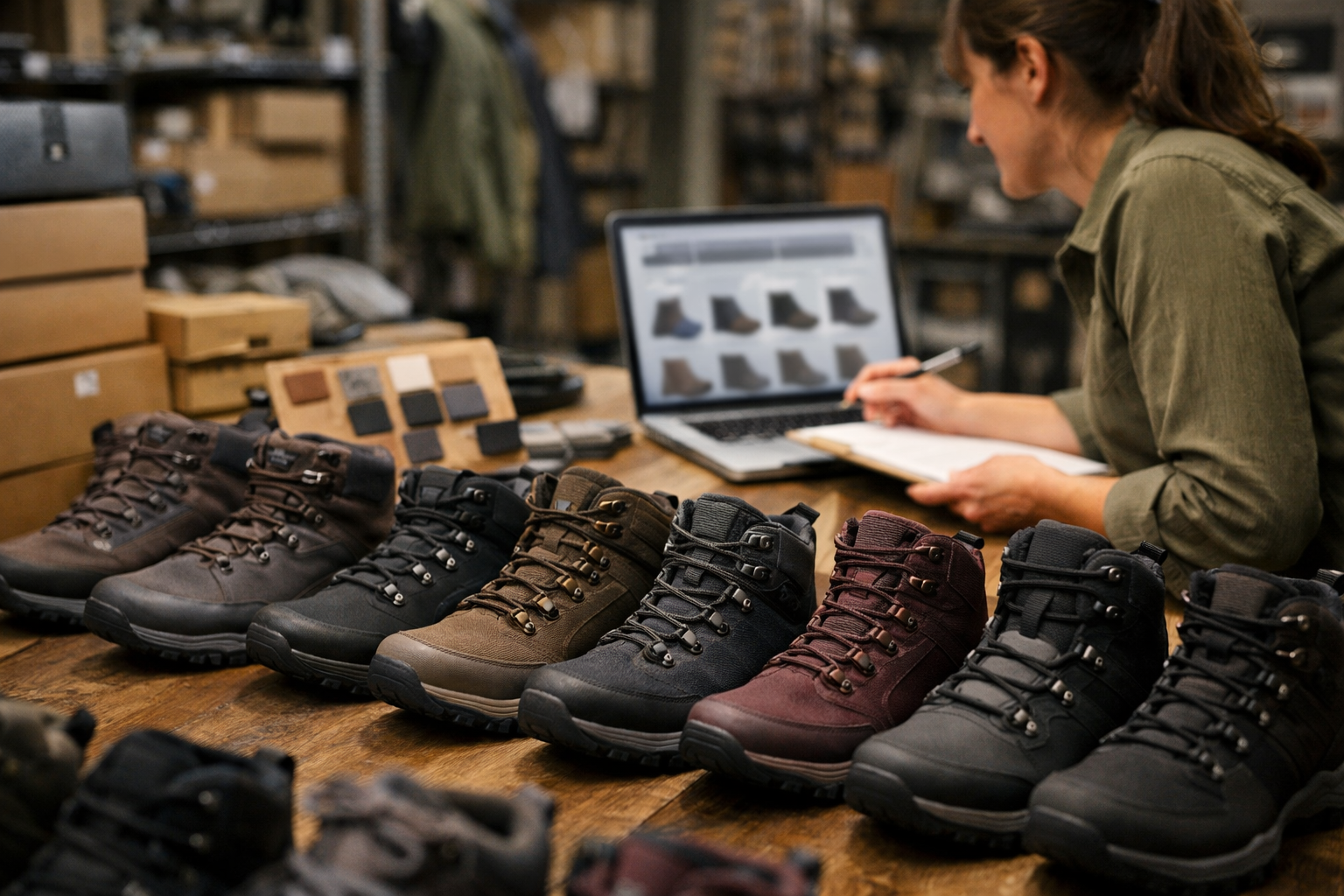
Start with the page title and H1 because they define the page’s promise. A weak title is “Boots” because it is too vague to match a specific shopping need. A stronger, keyword-informed title is “Women’s Waterproof Hiking Boots” because it names the audience, attribute, and product type. The H1 can mirror that closely, but it does not need to cram every modifier into one line. Use modifiers such as waterproof, wide, lightweight, leather, women’s, men’s, kids, sale, insulated, or size 12 only when the assortment supports them.
Intro copy should be concise buying context, not an essay above the grid. Two or three useful sentences can explain what the collection includes, when to choose one material or feature over another, and which filters help narrow the selection. For example, a waterproof hiking boots page might mention insulated options for cold conditions, lightweight styles for day hikes, and wide-width filters for fit. That supports category page SEO while keeping products visible early in the experience.
- Internal links: Link from broad pages to high-value subcategories such as “Women’s Hiking Boots,” “Waterproof Hiking Boots,” “Wide Hiking Boots,” and “Hiking Boots on Sale.” These links turn the category into a navigation hub instead of a dead-end product grid.
- Merchandising order: Lead with products that best match the page’s keyword promise, business value, and availability. A waterproof collection should not open with non-waterproof items just because they are newest or discounted.
- Schema considerations: Treat structured data as support, not a ranking shortcut. Breadcrumb markup can clarify hierarchy, and product-listing markup can reinforce that the page contains shoppable items where implementation allows.
- Image alt text: Describe the image naturally, such as “women’s brown waterproof leather hiking boot,” instead of repeating the same keyword on every product image.
Do not add an FAQ block just to capture extra keywords. If shoppers need more help, use short on-page support sections such as “How to choose waterproof hiking boots” or “Popular features in this collection,” then link to deeper buying guides when the topic deserves its own page. The takeaway for eCommerce SEO is simple: collection pages should earn broad commercial keywords by offering depth, clarity, and a clean path to narrower choices.
Step 6: Match product page optimization to specific, high-intent searches
At the product level, specificity is the advantage. A product page should capture the searches made by shoppers who already know, or nearly know, the item they want: brand, model, gender, size, color, material, feature, SKU, use case, and differentiator. “Merrell Moab 3 Mid Waterproof women’s hiking boots size 8” is a product-page target because the query points to one purchasable item or a narrow set of variants. “Hiking boots” is not; that belongs to a category page where shoppers can compare many options.
Use product keywords as part of product listing optimization where they help the shopper recognize the exact item, not everywhere a field exists. The product title and H1 should usually include the brand, model, core product type, and defining attribute: “Merrell Moab 3 Mid Waterproof Women’s Hiking Boots.” The meta title can add a high-value modifier if it remains readable, such as size, color, or store value proposition. Avoid turning the title into a string of every possible variation.
- Unique description: Translate keyword research into buying detail. Mention the terrain, fit, waterproofing, cushioning, weight, material, or use case that distinguishes the item from similar products.
- Specifications: Put structured attributes such as size, color, width, material, heel height, capacity, dimensions, compatibility, model number, and SKU in consistent fields. These details help shoppers compare products and give search engines clearer item-level signals.
- Comparison snippets: If the product is commonly compared with another model, add a concise note such as “Compared with the Moab 3 Low, the Mid version adds ankle coverage.” This supports high-intent comparison language without creating a full buying guide on the product page.
- Reviews and review prompts: Ask customers about comfort, sizing, terrain, durability, fit, and real-world use. Reviews often surface natural long-tail language that a merchandiser would not write into the main copy.
- Images: Use descriptive filenames and alt text that identify the item shown, such as “merrell-moab-3-mid-waterproof-womens-brown-side-view” or “women’s brown Merrell waterproof hiking boot side view.”
- Structured data: Mark up item-level details such as product name, brand, SKU, offers, availability, price, images, and review data when those details are present on the page.
For product page optimization, the practical checkpoint is simple: if the query describes a single item or variant, it can belong on the product page; if it describes a shopping aisle, it belongs higher in the store architecture. SKU pages should win on exact-match relevance, complete item information, trust signals, and conversion support, not by competing with category pages for broad product keywords.
Step 7: Decide when variants, filters, and facets should be indexable
Attribute-driven URLs are where a clean keyword map can either become scalable architecture or turn into a pile of near-duplicates. Treat each variant, filter, and facet as a candidate page only after it proves a distinct search job.
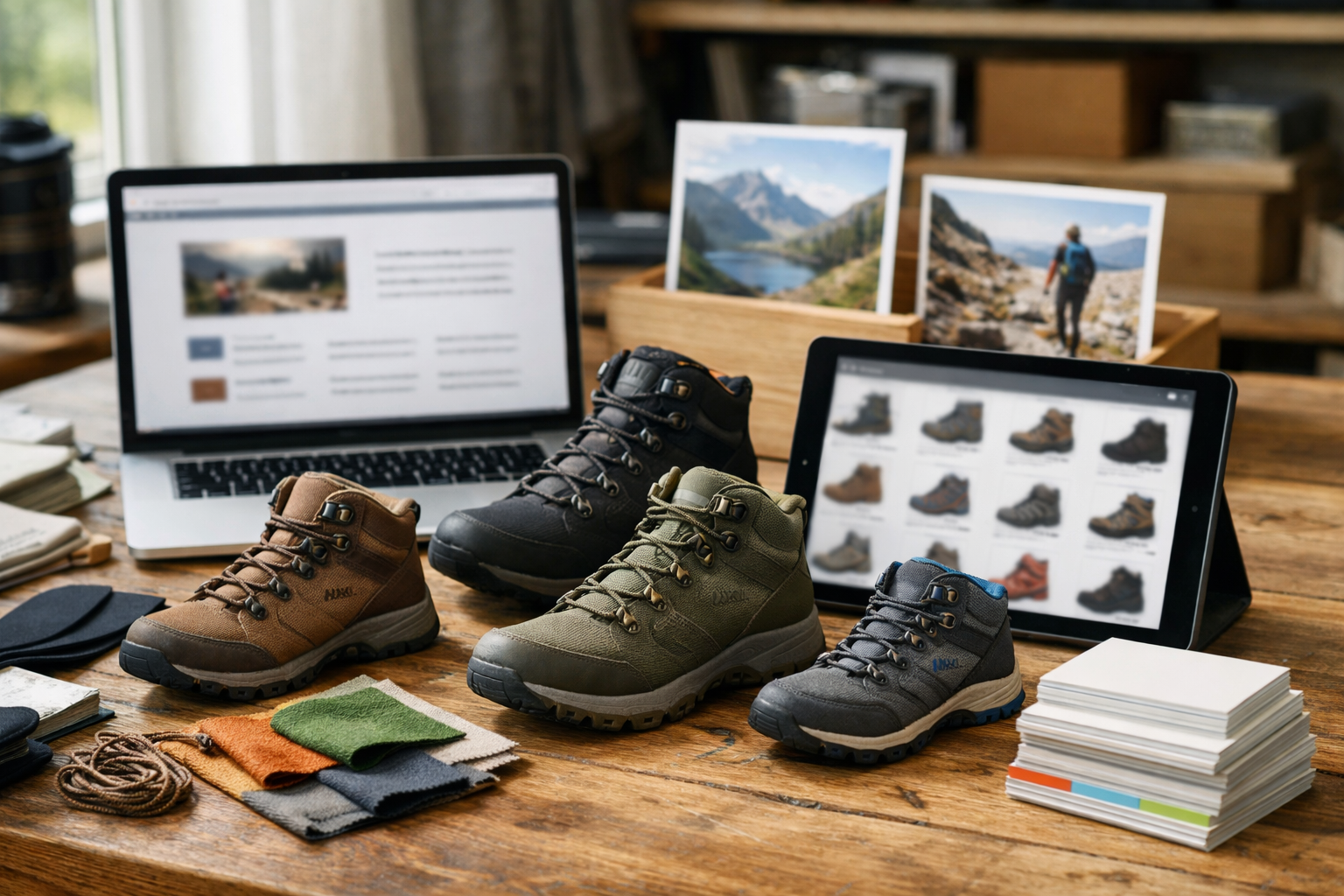
A product variant is a purchasable version of the same item, such as a color, size, width, material, or bundle. A filter narrows a listing page for shoppers, such as brand, price, gender, use case, waterproofing, compatibility, or feature set. A facet is the URL-generating system behind those filter combinations. The SEO question is not whether shoppers should be able to refine results; they should. The question is whether the refined URL deserves to be crawled, indexed, linked, and written as a real landing page.
- Indexable candidate: “Women’s waterproof hiking boots” has a clear audience, durable intent, enough inventory, useful comparison value, and room for unique copy. It can work as a subcategory or curated collection.
- Usually not indexable: “Women’s waterproof hiking boots size 7 blue under $100” is too narrow for most stores. It may help shoppers filter, but it is likely to create thin inventory, unstable availability, duplicate page copy, and weak internal-link value.
- Case-by-case: Brand, material, gender, and use-case filters often have stronger demand than color, exact size, or price filters. “Leather work boots for men” may deserve a page; “black size 10 leather work boots under $75” usually belongs inside the filtering experience.
Use a simple indexation rule: make a filtered page indexable only when it has measurable demand, a stable product set, unique merchandising value, distinct intent from the parent category, unique title and copy, and deliberate internal links. If the page cannot earn its own introduction, title, navigation path, and product assortment, it should not compete in search.
Prevent cannibalization before publishing the URL. If a category page, filtered collection, and buying guide all target “best waterproof hiking boots for women,” choose one primary page. The category or collection should own shopping intent; the guide should support comparison or education and link back to the commercial page. Do not let three URLs repeat the same keyword promise with slightly different layouts.
For non-indexed combinations, use technical controls deliberately. Canonical tags consolidate similar URLs toward the preferred page. Noindex keeps a useful shopper page out of search results. Parameter rules and crawl controls reduce waste from endless sort, size, color, price, and pagination combinations. Internal linking discipline matters just as much: link prominently to indexable collections, but avoid sitewide links to every possible filter combination. The output of this step is a controlled facet policy, not an accidental URL explosion.
Step 8: Use content to support product discovery, not replace it
Content earns its place when it answers the questions that delay or shape a purchase, then moves the shopper toward the right commercial page. In eCommerce keyword research, blog and guide topics should not compete with categories or products for the same shopping terms; they should capture comparison, education, inspiration, and seasonal demand that a product grid cannot fully satisfy.
Product keywords usually describe something the shopper can buy now: a category, subcategory, brand, model, variant, or specific attribute combination. Blog keywords are usually informational queries or decision-support searches, such as “how should hiking boots fit,” “leather vs synthetic hiking boots,” “Merrell vs Salomon hiking boots,” or “best waterproof hiking boots for winter.” The practical difference is page purpose: the product or category page helps shoppers select and purchase; the content page helps them understand what to select.
- Buying guides explain how to choose among features, use cases, budgets, or conditions. A winter hiking boot guide can link to insulated boots, waterproof women’s hiking boots, and selected products mentioned in the guide.
- Comparison pages target comparison keywords where shoppers are choosing between materials, brands, models, or product types. “Leather vs synthetic hiking boots” should explain tradeoffs, then point readers to both relevant collections.
- How-to content answers fit, care, sizing, installation, or usage questions. It may not convert immediately, but it can introduce related products, accessories, and replacement items without forcing a sales pitch.
- Gift guides, brand explainers, and seasonal pages organize demand around occasions, brand reputation, trends, or time-sensitive needs, then route shoppers into curated collections and products.
Use internal links deliberately. A strong guide links upward to the main category, sideways to relevant subcategories or collections, and downward to specific products when the recommendation is concrete. A weak guide repeats the category keyword, lists products without context, and leaves the shopper with no clear next click. The output of this step is a content plan that supports the buyer journey while protecting commercial pages as the primary destinations for purchase-ready searches.
Turn Keyword Research Into a Store Growth System
The practical output is a living operating file, not a one-time export. Keep the keyword map tied to URLs, page types, inventory depth, margin priority, seasonality, ranking feasibility, and next actions so it can guide merchandising and SEO decisions together.
Use it as a recurring review system. When internal search shows repeated demand for “wide fit waterproof hiking boots,” decide whether the current category covers that need, whether a filtered collection deserves indexation, or whether the catalog is too thin to support the target. When a product starts earning impressions for brand-model-size searches, product page optimization should sharpen the title, variant details, specifications, and supporting links around that exact demand.
The strongest signal is alignment: commercial terms lead to category or collection pages, exact-item searches lead to products, comparison questions lead to guides, and narrow attribute combinations become indexable only when they have distinct value. A weak system lets every promising phrase become copy on whichever page is easiest to edit.
Treated this way, eCommerce keyword research becomes a store growth discipline. It shapes what pages exist, what each page targets, how categories and products support one another, and where content should create the next click. The goal is not more keywords in copy; it is clearer paths from customer demand to revenue.