
How to Set Up Your Gun Store on GunBroker for Maximum Sales
On GunBroker, “maximum sales” does not mean guaranteed volume. It means tightening the factors the platform actually exposes and reviews: seller approval, Extended Verification, storefront setup, payment details, and, for firearm sellers, FFL submission and review before listings can activate. GunBroker’s own selling guidance frames onboarding as a step by step seller setup path, not a shortcut. That is the standard this article follows.
Sales potential rises when buyers can find the item, trust the seller, and complete the purchase without friction. GunBroker explicitly ties discoverability to UPC usage and to descriptions that front-load key details and buyer search terms. Its self-service storefront tools and templates surface seller identity and merchandising elements, while listing format choices such as Fixed Price shape how quickly a buyer can act.
This GunBroker store setup guide shows how to set up a gun store on GunBroker in the order that matters: account approval, store presence, listing structure, pricing format, policies, payment and shipping workflow, and compliance readiness. That keeps the advice practical and platform-specific. It explains how to sell on GunBroker by improving controllable inputs, not by promising outcomes no seller can guarantee.
Open the right seller account and complete verification before you list
Open your seller account with complete business information, not a bare personal profile. GunBroker’s seller onboarding is built around registration plus business and payment details, and its setup instructions direct sellers to the Billing Info area to enter bank or card information. Use the legal business name, operating address, customer-facing contact details, and payout method you will keep in place after launch.
If you expect regular inventory, configure the store presence early. GunBroker provides a self-service storefront tool, and store templates surface core trust and merchandising elements such as your seller name, item links, and category carousels. That gives buyers a consistent destination instead of a disconnected set of listings.
Finish seller verification before you build inventory

- Complete seller verification in full. New sellers go through Extended Verification, and firearm-seller approval includes identity checks, bank-account setup, and a security fee. Incomplete verification delays approval and slows every step that follows.
- Submit FFL paperwork if you will sell firearms. Physical gun stores must provide FFL documents during setup, and GunBroker reviews them before firearm listings can go live. If part of your catalog is non-FFL merchandise, separate those items operationally so your compliance workflow stays clear.
Choose store tools with margin in mind
Do the cost math before you publish a single SKU. Review current listing fees, final value fees, optional listing upgrades, the security fee tied to approval, and any store subscription expense you are considering. A paid store only makes sense if your expected volume and repeat traffic justify it.
Use GunBroker’s selling guide and official tutorial videos while you configure the account, then carry that discipline into listings. GunBroker recommends UPCs to improve discoverability, and it recommends front-loading key details and buyer search terms in descriptions. That is the practical finish to GunBroker seller setup: verified account, correct FFL path, controlled costs, and listings built to be found.
Set up your seller presence to reduce buyer hesitation
GunBroker already pushes sellers through account setup, business details, Extended Verification, and firearm-seller approval steps that include identity checks, bank-account setup, and FFL review before firearm listings go live. Use that structure to your advantage. Your seller profile should show the exact store name buyers will see on invoices and shipments, a real business phone number, a monitored email address, and a short description that makes your role clear: stocking dealer, transfer-focused shop, or mixed inventory seller.
If you use GunBroker’s storefront tool, keep it simple. Store templates already surface core identity elements such as seller name, item links, and category carousels. That means your job is not clever branding. It is removing doubt. A consistent name, organized categories, and active inventory create immediate buyer trust inside the marketplace.
State your policies like an operator, not a marketer
Set contact expectations in writing. Tell buyers when messages are answered, who sends tracking, and how quickly orders move after payment clears. If you can answer messages within one business day, say that. If Saturday processing is limited, say that too. Specific service standards outperform vague promises every time.
Publish payment expectations with the same precision. GunBroker provides account areas for payment-related information, but buyers still need plain-language terms in your seller policies: accepted payment methods, when payment is due, whether sales tax is collected where required, and when an order is canceled for nonpayment. Pair that with clear shipping terms, your inspection period, and a return policy that defines what is and is not accepted. Do not chase feedback with risky guarantees. Reduce uncertainty, fulfill exactly what you promise, and let your record compound.
Pick the right category, listing format, and price structure for each item
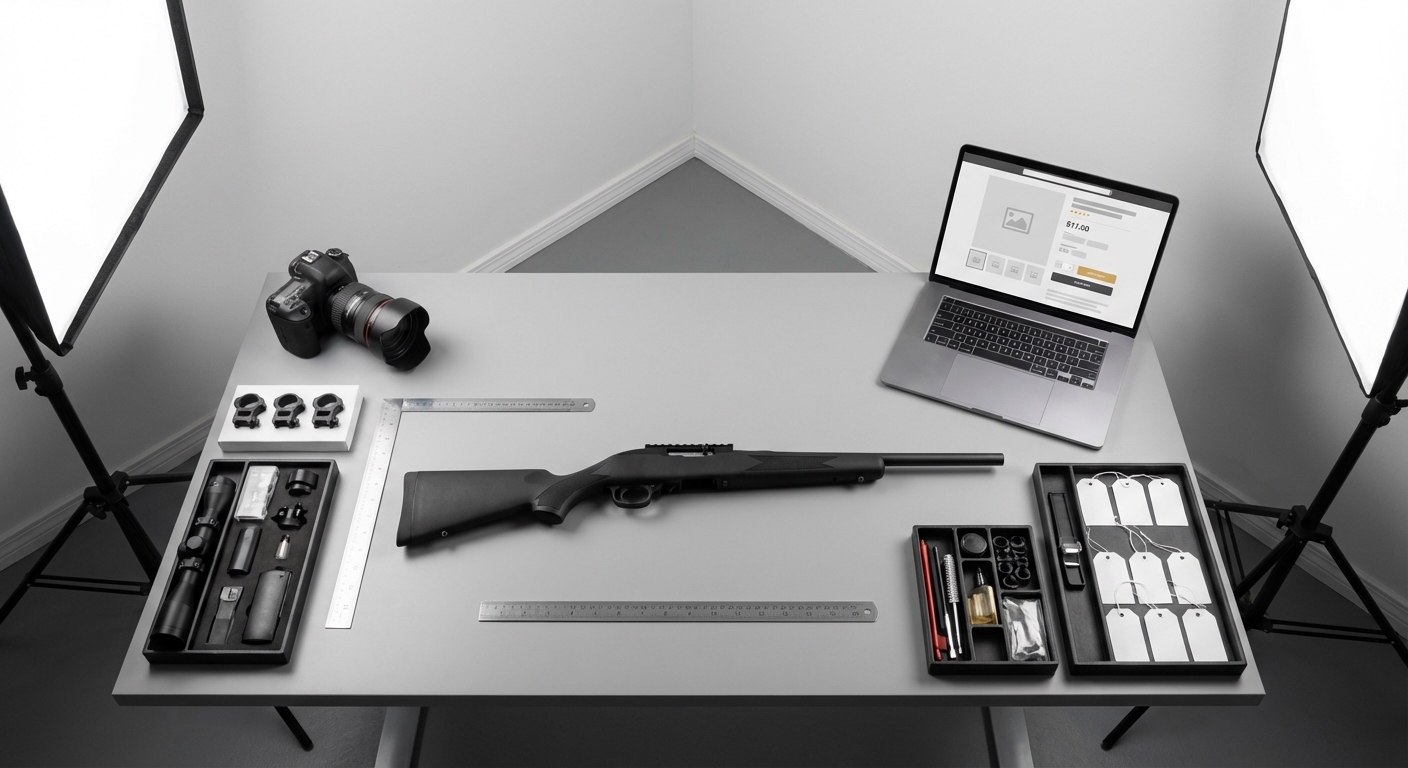
Put each item in the most specific GunBroker category you can, then make the title and opening description do the same job. Lead with the details buyers actually search for: manufacturer, model, caliber or gauge, condition, finish, and what is included. GunBroker states that UPCs improve discoverability, and its listing guidance tells sellers to front-load key details and buyer search terms. A rifle buried in a broad category or described like a sales flyer loses search exposure and buyer confidence at the same time.
Match the listing format to demand, margin, and speed
The right answer to auction vs buy now on GunBroker is not one format for the whole store. GunBroker’s Fixed Price format lets the buyer purchase at the entered amount, which makes it the best fit for replenishable inventory, commodity accessories, and any SKU where you know your target margin and want predictable turnover. Use a set price for new in box items with clear market comps. Use an auction for hard-to-price used guns, collector pieces, discontinued models, or anything with enough buyer interest to create bidding pressure.
Reserve pricing belongs on items where protecting margin matters more than maximizing bid activity. If the item is common and easy to comp, skip the reserve price and list at a straight fixed amount or start the auction closer to your minimum acceptable sale number. For hot inventory, a lower opening bid can attract watchers quickly. For thin-demand items, low starts create risk without adding much competition. Keep auction durations shorter for fast-moving inventory and longer for niche pieces that need more buyer exposure. Set quantity above one only for truly identical items with the same condition, accessories, and fulfillment terms. Used firearms, collectibles, and anything serial-specific should stay at quantity one. That pricing strategy keeps your listing format aligned with the item instead of forcing every product through the same template.
Build listings that answer buyer questions before they ask
Buyers on GunBroker scan fast, compare variants, and skip anything that makes them decode the product. GunBroker advises sellers to put the most important details first in the description and to lead with the terms buyers actually use when searching. Complete every available item specifics field, especially manufacturer, model, caliber or gauge, action, barrel length, finish, capacity, condition, and UPC, while making sure your details reflect legal and compliance requirements. GunBroker states that UPCs improve discoverability and can increase sales opportunities when a buyer is ready to purchase.
Your listing title should identify the exact gun, not advertise it. A strong structure is manufacturer, model, caliber or gauge, major variant, barrel length, and condition or included extras if space allows. In the description, open with the same core facts, then add what matters to a buyer decision: new or used status, round count if known, visible wear, matching numbers if relevant, factory box, extra magazines, optics, chokes, rails, or upgraded parts, supported by strong product photos. That is real GunBroker listing optimization because it removes uncertainty inside the marketplace, not because it chases search-engine traffic.
Show condition clearly and disclose eligibility upfront
Photos close the gap between your words and the buyer’s risk. Use sharp, well-lit images of both sides, the receiver markings, muzzle or crown, chamber area, stock or grip wear, sights, included accessories, and every defect you mention. If a scratch is in the condition notes, show it. If a scope, case, or extra magazine is included, photograph it. For serial numbers, use the level of detail that supports buyer confidence without exposing more than your store is comfortable publishing publicly, especially on modern inventory.
Compliance belongs in the listing itself. State that the firearm ships to an FFL where required, call out restricted states or localities for the exact configuration, note magazine-capacity limits, and identify any NFA status, tax stamp, or transfer requirements for suppressors, short-barreled rifles, or other regulated items. Add any age or eligibility limits your store applies to that item type. A complete, factual description converts better because qualified buyers can say yes immediately, while unqualified buyers filter themselves out before they waste your time.
Make payment, shipping, and FFL transfer steps easy to follow
GunBroker presents seller onboarding as a step-by-step setup path, and that path includes payment-related account information and lawful fulfillment and transfer rules. Use that area to remove guesswork: list every accepted payment method, the exact payment deadline, any surcharge or discount policy you apply, and the point when you cancel for nonpayment. Buyers complete faster when your terms read like instructions, not store boilerplate.
Turn shipping terms into a checklist
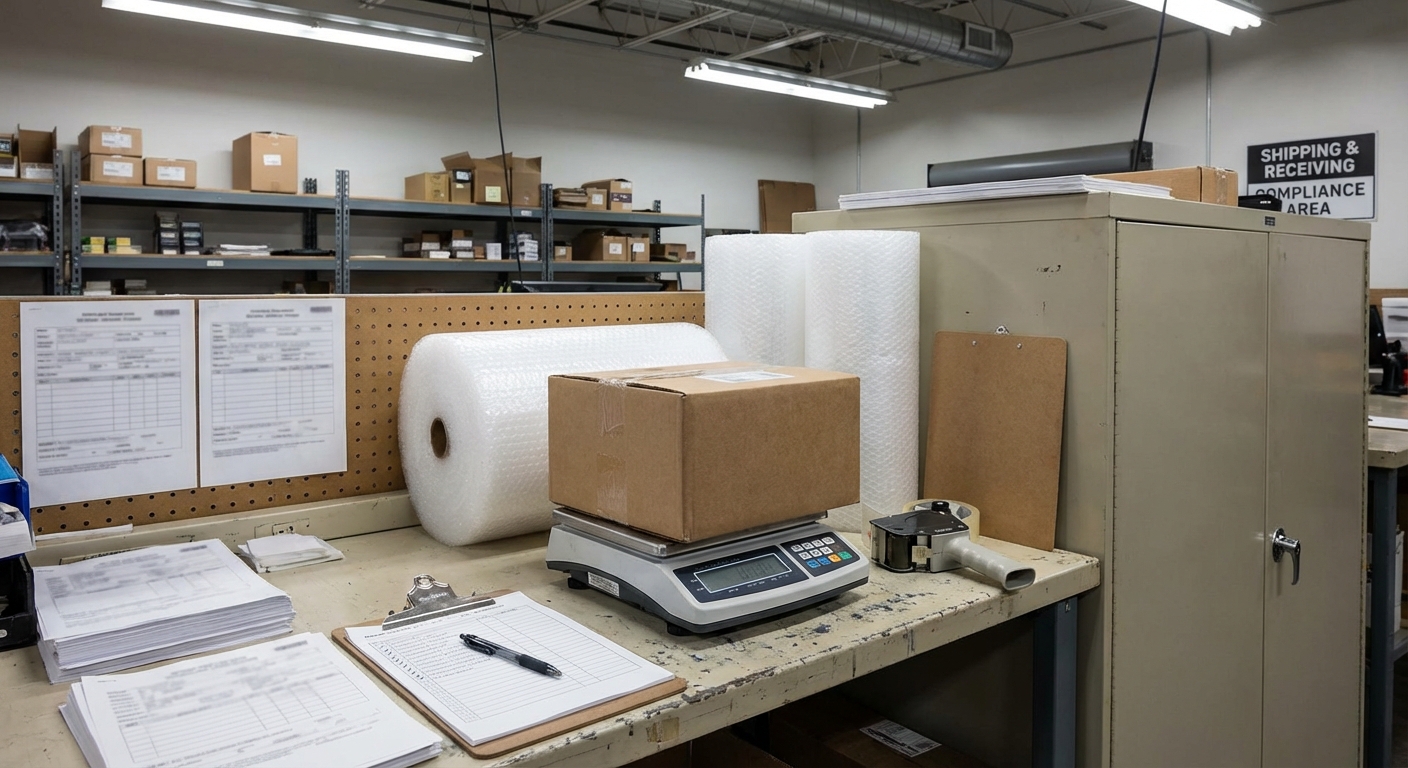
- Set a visible shipping charge or flat-rate rule for each item type. State whether insurance, adult signature, and packaging are included or billed separately.
- Publish your processing time in business days and define when the clock starts, such as cleared payment and required transfer documents in hand.
- Limit destinations up front. If you do not ship to certain states, local jurisdictions, PO boxes, or item-restricted locations, say so before the buyer commits.
Separate firearm transfers from accessory orders
Firearms need a transfer workflow. Non-serialized accessories usually do not. For a firearm order, tell the buyer exactly what you require: the receiving FFL dealer’s name, license information or direct dealer contact, the buyer’s full name, and the order number so you can match documents fast. State that shipment does not move until payment clears and transfer documentation is complete. For magazines, parts, optics, and other non-firearm items, publish the item-specific destination restrictions that still apply. Every listing and policy must match GunBroker rules plus federal, state, and local law. That is how you keep sales moving without creating compliance problems.
Run daily operations so your store scales without costly mistakes
Run one inventory management rule: every GunBroker SKU must map to one physical unit count. If your POS or in-store system can sync with GunBroker, confirm current connector support before trusting live quantity updates. If full sync is not available, cap marketplace quantity below floor stock, reconcile counter sales at fixed times, and end listings immediately after any same-day in-store sale. Send status messages at payment received, FFL received, shipped, and delivered. Keep one order file with the invoice, buyer messages, FFL copy, tracking, and refund notes so disputes close fast and clean handoffs earn better seller feedback.
Relist with intent
Do not auto-relist stale inventory unchanged. Refresh the title lead, photos, price format, and UPC before relisting, because GunBroker states UPCs improve discoverability. Review sell-through, GunBroker fees, messaging friction, cancellations, refunds, and seller feedback patterns every month. That is where listing fixes and policy updates come from.
Set up your GunBroker store like a sales system, not just a seller account
The core lesson in how to set up a gun store on GunBroker is simple: verification, payment setup, and firearm-selling approval are not admin chores, they are the foundation of conversion. GunBroker seller activation for firearm sales includes identity checks, bank-account setup, a security fee, Extended Verification, and FFL review for stores listing firearms. If any of that is incomplete, the rest of the sales machine stalls before a buyer ever sees your inventory.
Once approval is solid, the GunBroker store has to sell on sight. Use the self-service storefront to present a consistent seller name, categories, and item links. In listings, front-load model, condition, caliber, and buyer search terms, and include UPCs where available because GunBroker states they improve discoverability. Price with intent: use Fixed Price when you know your floor and want immediate purchase behavior instead of forcing every item into auction logic.
- Audit your account from the buyer view: verification status, store branding, payment instructions, shipping terms, and FFL workflow.
- Test one complete transaction path, from listing click to payment and receiving dealer instructions.
- Scale only after the full path is clean, because weak listings, vague policies, or sloppy fulfillment erase the value of good inventory.