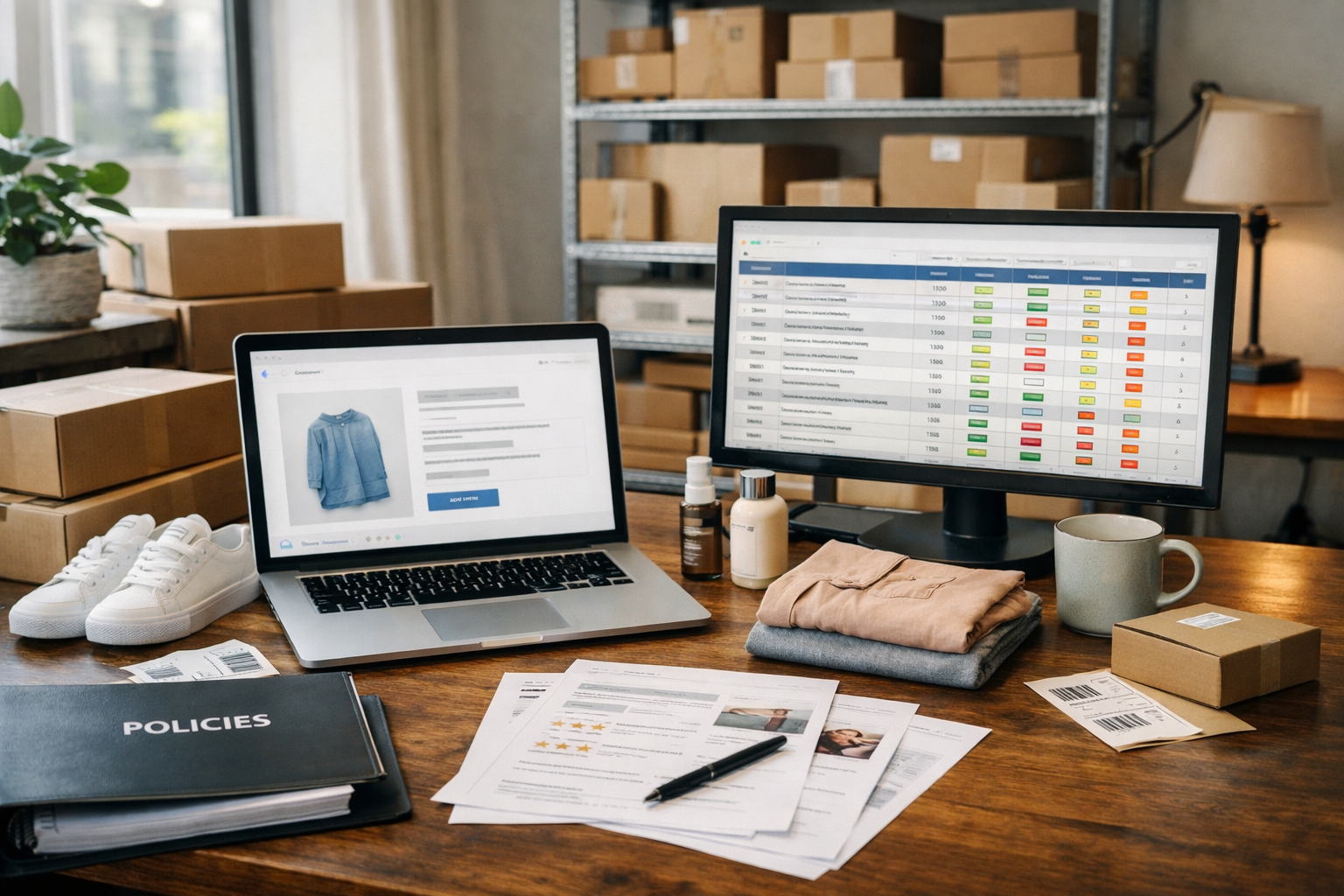
Post-purchase technology partner

Route for eCommerce:
Package Protection, Tracking, and Returns

What happens after the order is placed decides whether a customer buys again. Route covers that stretch: protection for lost, stolen, and damaged packages, branded tracking, and returns. MAK Digital installs Route and sets it up to fit your checkout, your shipping rules, and your brand.

13,000
Brands on Route
1.4B
Packages tracked
$0
Monthly fee, Standard plan

Technology partner

MAK DigitalRoute
  • Package protection at checkout
  • Branded order tracking
  • Returns and exchanges
  • Installed and styled by our developers
Partner
Route
What it is
A post-purchase platform: package protection, order tracking, and returns
Products
Protect, Track, Returns, and Cash Back
Cost to the store
$0 a month on Route's Standard plan. Shoppers who choose protection pay for it.
Platforms
BigCommerce, Shopify, WooCommerce, Adobe Commerce, Salesforce Commerce Cloud, and API
Good fit for
Stores that ship physical goods and answer "where is my order?" every day

MAK Digital works with Route as a technology partner and may benefit when a client chooses Route. We recommend it when it fits the store. Route figures on this page are from route.com.

Last reviewed .

The platform

What Route Is

Route is a post-purchase platform. It handles the part of an order that begins when the customer pays and ends when the package, or the return, arrives. Route reports 13,000 brands on the platform, 1.4 billion packages tracked, and $20 billion in protected order value.

The best-known part is Protect. A shopper can add package protection at checkout. If that order is lost, stolen, or damaged in transit, the shopper files a claim with Route, and Route handles the cost and the resolution, a refund or a replacement. Your support team is not in the middle of it.

Around Protect sit three more products: Track, a branded tracking page with email and text updates. Returns, a self-service portal for returns and exchanges. Cash Back, a discount on the next order for shoppers who add protection. On Route's Standard plan the store pays no monthly fee for any of them.

What it does

What Route Does for an Online Store

Four products, and two results store owners notice.

  • Protect

    Optional coverage for loss, theft, and damage, added by the shopper at checkout. Claims are filed with Route. Route says most are verified automatically and end in a replacement or a refund.

  • Track

    A tracking page in your branding in place of the carrier's, with automated email and text updates. Route lists 1,100 carrier integrations.

  • Returns

    An automated returns portal with branded emails, exchanges for the same or a different product, and checks on item condition before a refund goes out.

  • Cash Back

    A discount on the next purchase for shoppers who add protection, which gives them a reason to come back.

  • Fewer "where is my order?" tickets

    Proactive updates answer the question before it is asked. Route reports 75% fewer of these tickets for its merchants.

  • Product recommendations after the sale

    Tracking pages and updates can show product recommendations based on the order, at a moment when the customer is paying attention.

What we do

What MAK Digital Does With Route

Route installs as an app. Making it sit correctly in a custom theme and a real checkout is development work.

  • Installation

    We install Route on your platform and connect your order data. On custom themes the protection option often needs to be placed in the cart and checkout by a developer, which is routine work for our BigCommerce and Shopify developers.

  • Checkout placement and design

    We style the protection option to match the store and set it up as a clear choice: labelled optional, priced, and selected by the shopper. It should read as a service, never as a surprise fee.

  • Fit with the rest of checkout

    We test Route against your shipping rules, taxes, discounts, and payment methods, so totals stay right and nothing else at checkout breaks. Stores using ShipperHQ get the two tested together.

  • Branded tracking

    We set up the tracking page and the email and text updates in your branding and link them from order emails and account pages, so customers stop landing on a carrier's site.

  • Returns setup

    If you use Route for returns, we set up the portal, the return rules, and the exchange options, and link it from the places customers look for a return.

  • Testing and support

    Test orders with and without protection, a test claim path, and a speed check on the checkout. After launch, our support team keeps it working through theme and platform updates.

Before and after

Who Handles What After an Order Ships

The practical change is who does the work, and who pays, when something goes wrong in transit.

After an order ships, without Route and with it
SituationWithout RouteWith Route
A package is lost or stolenYour support team investigates, then refunds or reships at the store's costOn a protected order, the shopper files a claim with Route, and Route covers the refund or replacement
A package arrives damagedPhotos and emails back and forth, then a replacement at the store's costOn a protected order, the claim goes to Route
"Where is my order?"A carrier link and a support ticketA branded tracking page with email and text updates
A return or exchangeHandled by email, one at a timeA self-service returns portal, if you use Route Returns
Monthly cost to the storeStaff time and replacement stock$0 on Route's Standard plan. Shoppers who choose protection pay for it

Route details are from route.com as of October 2026. Coverage applies to orders where the shopper added protection. Route also offers custom plans with flat fee and volume pricing.

Checklist

How We Set Route Up

Protection is paid for by the shopper, so how it is presented matters as much as whether it works.

How we set up the protection option

  • Labelled as optional, in plain words
  • Price shown beside it, before the order total
  • Selected by the shopper, not added for them
  • Easy to remove in the cart and at checkout
  • Readable and tappable on a phone
  • Styled to match the store, without moving the Buy button

What we test before launch

  • An order with protection and an order without
  • Totals with discounts, taxes, and each shipping method
  • Refunds and cancellations, including the protection fee
  • Tracking emails, texts, and the tracking page
  • The returns portal, if it is in use
  • Checkout speed with the Route script loaded

How it runs

A Route Setup in Four Steps

A standard theme takes less work than a custom one. Either way the steps are the same.

  1. Review

    We look at your cart, checkout, shipping setup, and current returns process, and agree which Route products you will use.

  2. Install and place

    We install Route, connect order data, and place the protection option in the cart and checkout.

  3. Brand and connect

    Tracking page, notifications, and returns are set up in your branding and linked from order emails and account pages.

  4. Test and launch

    We run the test list above on a staging copy where the platform allows it, then launch and watch the first live orders.

Questions About Route and Our Route Setup Service

What Route is, what it costs, and how to add it without annoying your customers.

What is Route?

A post-purchase platform for online stores. Its products are Protect (optional package protection the shopper adds at checkout), Track (a branded tracking page with email and text updates), Returns (a self-service returns and exchange portal), and Cash Back (a discount on the next order for shoppers who add protection).

What does Route cost a store?

Route's Standard plan is listed at $0 a month with no monthly fees. It is funded by shoppers who choose to add protection. Route also offers a Custom plan with flat fee and volume-based pricing for stores that would rather pay for coverage themselves. Current terms are at route.com/pricing.

Who pays when a protected package is lost, stolen, or damaged?

Route does. The shopper files a claim with Route, and Route handles the cost and the resolution, either a refund or a replacement. Orders where the shopper did not add protection are handled by the store as before.

Does Route work with BigCommerce?

Yes. Route has an app in the BigCommerce app marketplace, listed with no upfront or recurring fee. On a custom Stencil theme the protection option usually needs to be placed and styled by a developer, which is part of our BigCommerce development work.

Should the protection option be selected by default?

We advise against it. A fee the shopper did not choose reads as a hidden charge, and charges like that are being challenged in court: a class action filed against Route in June 2026 in federal court in New York alleges that protection fees were added to carts through a pre-selected option. The case is pending and its claims are not proven. An option that is clearly labelled, priced, and chosen by the shopper keeps the benefit and avoids the complaint.

Will Route slow down checkout or conflict with our shipping setup?

Any script added to checkout should be measured. We test Route with your shipping methods, discounts, and taxes, and check checkout speed before and after. If speed is already a concern, start with a website speed check.

Can Route replace our returns process?

It can. Route Returns provides an automated portal, branded emails, exchanges, and checks on item condition. Whether to switch depends on your return volume and the tools you already use. We review that with you before changing anything.

Do you install and support Route?

Yes. We install it, place and style the protection option, set up tracking and returns, test everything, and support it afterward. Request a quote and tell us your platform and whether your theme is custom.

Want Route Installed the Right Way?

Tell us your platform and whether your theme is custom. We will tell you what the setup involves and how we would present protection at your checkout.

See all technology partners

More on Running an Online Store

From the eCommerce Experts

Read Our Blog

Start Your Project With Us

Share some details, and our team will follow up.

Please write at least 20 characters.

Click to upload or drag and dropUp to 5 files, 10 MB each

    Get the MAK Digital Newsletter

    eCommerce design, development, SEO, and marketing insights, a few times a month. No spam, unsubscribe any time.

    By subscribing you agree to our privacy policy.