

eCommerce Website Design: What Separates Stores That Sell From Stores That Don’t

Stores that sell are not simply better looking. They are easier to buy from. Strong eCommerce website design works like a sales system: it helps shoppers find the right product, understand why it fits, trust the merchant, and complete checkout without second guessing. Struggling stores do the opposite. They hide categories, bury shipping information, force extra clicks, weaken product detail, and introduce doubt at the cart. The difference shows up in conversion rate because hesitation compounds at every step.
This is where high-converting eCommerce design separates itself from aesthetic design. Beautiful branding can attract attention, but it does not fix weak merchandising, confusing pricing, or a checkout that asks for too much too soon. Design influences discovery, evaluation, trust, and payment completion. It does not override a bad offer, uncompetitive prices, or low intent traffic. Good design improves the odds that a qualified visitor buys. It does not manufacture demand that was never there.
That practical lens matches how real eCommerce work is documented. MAK Digital Design specializes in eCommerce solutions across BigCommerce, Shopify, Volusion, Magento, and WordPress, and its case studies are organized around client background, challenges, solution, and custom features. The structure is telling: stores improve when teams identify friction, implement changes that support the buying path, and solve specific obstacles instead of chasing visual trends for their own sake. Sales follow the store that removes doubt fastest.
Selling Stores Make Product Discovery Effortless
Selling stores remove the question, “Where do I start?” the moment a visitor lands. Clear navigation does that with plain labels, a short path to major product types, and menus built around how customers shop rather than how the business is organized internally. “Men,” “Women,” “Running Shoes,” and “Parts” work. “Solutions,” “Collections,” or vague promotional buckets force people to decode the site before they can buy. That is where drop-off starts. Strong eCommerce website design does not make discovery look clever. It makes it obvious.

Category structure carries the same burden. Useful category pages narrow choices with intent-based grouping, visible subcategories, and filters that match the catalog: size, compatibility, color, price, material, fit, or brand where brand matters. The friction comes when stores dump 200 products into a generic grid and call that choice. Buyers do not need more options on screen. They need fewer wrong options. Sorting by best sellers, newest, price, and rating helps only if the underlying taxonomy is clean enough to make those controls meaningful.
Search and Merchandising Should Rescue, Not Confuse
Prominent site search is not a backup feature. For many shoppers, it is the fastest route to purchase. It belongs in the header, works on mobile, handles misspellings and synonyms, and returns products, not empty pages. Poor site search exposes every weakness in the catalog: bad naming, missing attributes, and inconsistent tagging.
Well-built category pages finish the job with comparison-friendly product cards, accurate thumbnails, price visibility, and quick signals like variant availability. Stores that sell make discovery feel effortless because every structural choice helps shoppers eliminate uncertainty faster.
Selling Stores Use Product Pages to Answer Questions Before Shoppers Ask
A shopper lands on a product page with a short list of practical questions: What is this, why is it better, will it fit, what arrives, how fast can I get it, and what happens if I need to return it? Selling stores answer every one of those questions on the page. The title names the product clearly. The copy leads with the outcome the buyer wants, then supports it with complete specifications, dimensions, materials, compatibility details, and included components. High quality images show scale, texture, angles, and real use, all of which are part of a good product page. Video earns its place when setup, fit, motion, or finish need proof, not decoration.
Pretty but vague pages create hesitation
Weak pages usually fail in subtle ways. They look polished, but the shopper still has to guess which variant matches their need, whether the color in the photo is accurate, how long delivery will take, or if the return policy will become a fight. That uncertainty blocks action. Strong product page optimization fixes the friction directly: variants are labeled in plain language, stock status is visible before the click, shipping cost or thresholds are easy to find, and return terms are stated where the buying decision happens. Those details work as trust signals because they reduce risk at the exact moment a customer is deciding.
Confidence needs proof and a clear next step
Reviews, ratings, photos from customers, and concise Q&A turn opinion into social proof. They answer the questions marketing copy cannot answer credibly on its own, especially around fit, quality, and day to day use. The final piece is the call to action. “Add to cart” works when the page has already earned the click; it fails when the customer is still piecing together basic facts. That is the difference between aesthetic presentation and conversion focused eCommerce website design. Stores that sell do not ask shoppers to infer quality, delivery, or next steps. They make the decision feel safe, informed, and immediate.
Selling Stores Feel Fast, Especially on Mobile
High-converting stores do not ask shoppers to fight the page. On mobile, every extra megabyte, oversized hero image, autoplay video, and third-party script adds delay before the product, price, and buy button become usable. That is where page weight stops being a technical metric and starts becoming a sales problem. Good stores compress images, serve the right file size for the device, lazy-load nonessential media, and keep app embeds under control. They treat Core Web Vitals as a usability standard because shoppers care about what they can do, not how polished the desktop mockup looked.
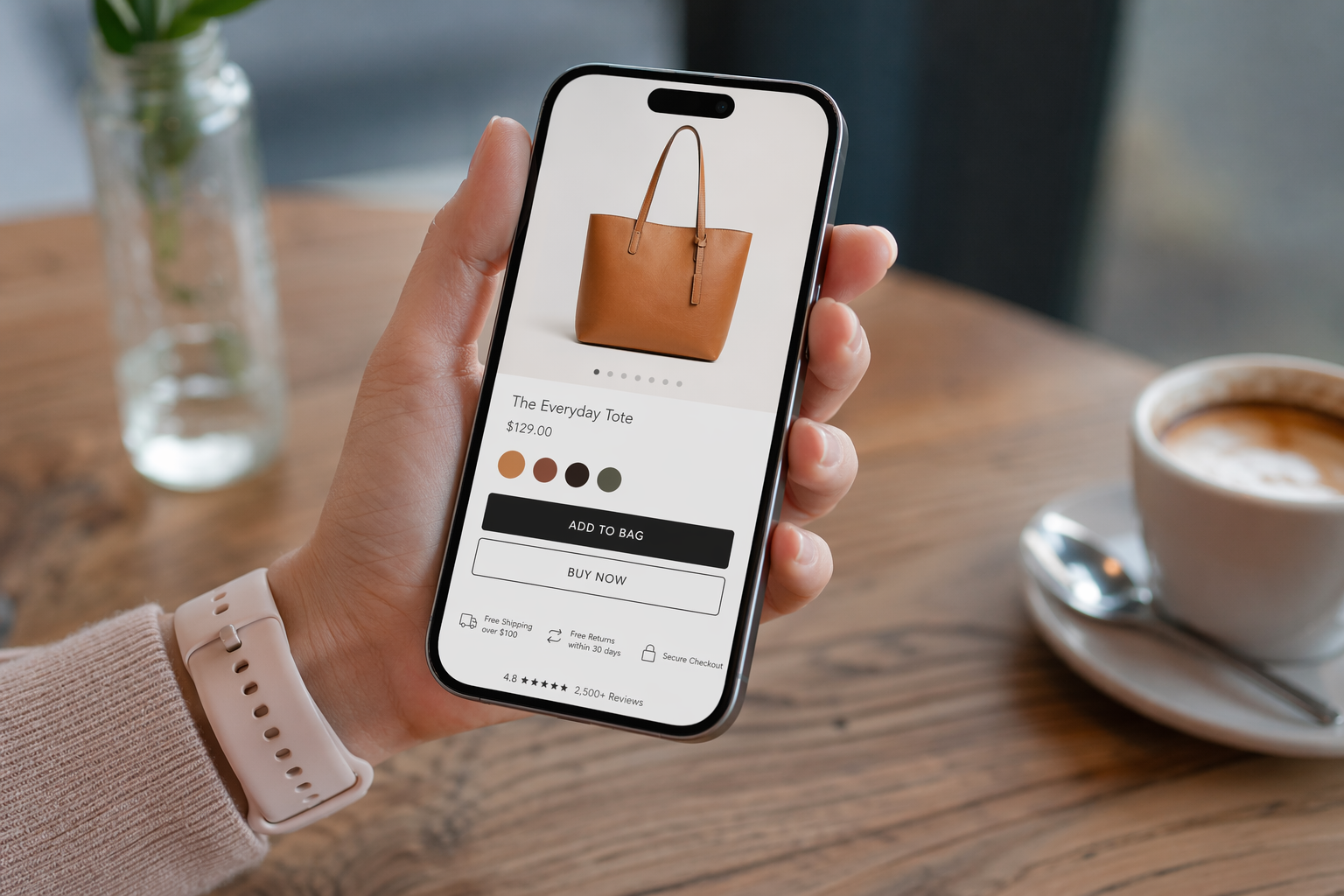
The difference is even clearer on product pages. Stores that sell make the mobile shopping experience tap-friendly: thumb-sized selectors, enough spacing between variant options, payment and shipping details placed before doubt sets in, and a sticky add-to-cart bar only when the main purchase controls can scroll out of view. Poor performers often look premium on a laptop but collapse on a phone with intrusive popups, layout shifts, tiny filters, and checkout fields that force constant zooming and correction. Better site speed helps, but speed alone does not close the sale. Strong eCommerce website design removes friction after the page loads too, so shoppers can browse, choose, and check out without losing momentum.
Selling Stores Build Trust Before the Checkout Page
Trust is cumulative. A store that saves reassurance for the checkout page is asking for commitment before it has earned credibility. Selling stores surface policies, contact details, accepted payment methods, shipping expectations, and return terms long before the customer reaches the final step. Those trust signals belong on category pages, product pages, the cart, and support content because risk starts the moment a shopper considers buying, not when they type a card number.
Confidence drops the second the store feels inconsistent. If a collection page shows one price, the cart adds fees without explanation, or an item marked in stock turns into a delayed shipment after add to cart, the problem is not visual design. It is broken reassurance. Strong eCommerce website design keeps pricing presentation, availability messaging, and delivery expectations aligned across the entire path. Secure payment cues matter too, but they work best when the rest of the store already feels transparent.
Social proof should answer real purchase questions. Reviews, customer photos, Q&A, and support content reduce uncertainty because they show what ownership looks like after the order is placed. The same is true for visible warranty terms, clear return windows, and a support channel that looks human instead of hidden. Good user experience makes help easy to find before anything goes wrong. Stores that convert do not demand trust at checkout. They prove, page by page, that buying will be straightforward if the customer needs help later.
Selling Stores Make Checkout Boring in the Best Way
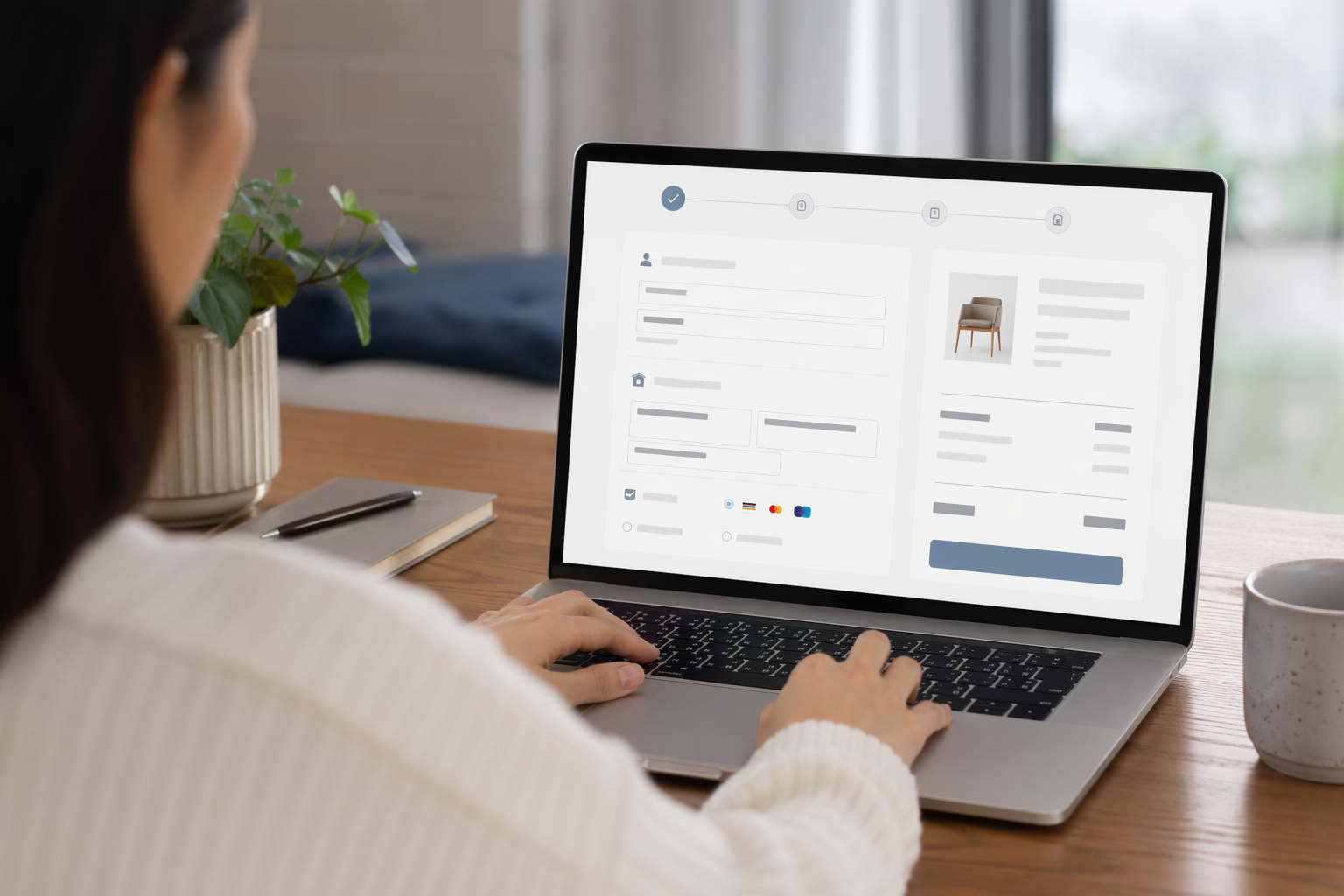
The strongest stores make the last step uneventful. They allow guest checkout, ask only for the fields needed to ship, bill, and confirm the order, and show shipping costs early enough for the buyer to decide before investing effort. That is what good eCommerce website design looks like at the finish line: fewer decisions, fewer surprises, and a checkout flow that respects the customer’s momentum. Stores that force account creation, split address entry across too many screens, or ask for marketing preferences before payment add buying friction at the exact moment trust is being tested.
Transparency closes orders
Checkout breaks when the total changes late. If taxes, shipping, handling, or payment fees appear only on the final review step, cart abandonment follows because the buyer feels trapped instead of informed. Selling stores do the opposite. They estimate shipping in the cart, keep promo code entry available without letting it hijack the page, and support the payment methods customers already expect: cards, digital wallets, and financing where order value justifies it. Every cost and payment path should be visible before commitment.
Recovery matters as much as speed
Even clean forms produce mistakes, so error handling has to be exact. Mark the field that failed, explain the fix in plain language, and preserve the data the shopper already entered. Let people edit quantities, remove items, or change variants without losing discounts or restarting the process. A clear progress indicator also reduces hesitation because it answers a simple question: how much is left? If shoppers can save a cart, leave, and return on the same device or another one, the store removes another source of delay. Boring checkout converts because it never interrupts the purchase with work that does not help the order ship.
Search Rankings Matter, but Only When SEO Supports the Buying Journey
Search rankings matter because they control who gets a first visit. They do not control who buys. Strong eCommerce SEO brings qualified traffic only when the page matches the reason for the search. A shopper searching for “men’s waterproof hiking boots” should land on a category page with relevant products, usable filters, stock visibility, pricing, and clear paths into product detail pages. A shopper searching a specific SKU should land on the exact product page, not a broad collection or a blog post. That is where eCommerce website design and SEO intersect: visibility gets the click, but intent alignment gets the shopper deeper into the funnel.
Stores that chase search rankings without fixing the buying experience usually waste that traffic. They publish thin category pages, duplicate manufacturer copy, weak product imagery, or pages with no meaningful comparison help. The result is predictable: impressions rise, sessions rise, and conversion stays flat because the visitor still has to work to evaluate the product. Online store SEO supports sales when category pages are structured for discovery, product pages answer purchase questions, and internal linking connects research pages to commercial pages without dead ends.
That is the practical standard. Build category pages for browsing, product pages for decision-making, and supporting content for qualification. Use content to attract shoppers early, then link them into the right collections and products. Search rankings amplify a store that already removes friction. They do not rescue a store that ranks well and sells poorly.
When Platform Choice Actually Affects Whether Design Performs
Platform choice gets too much blame for weak stores and too much credit for strong ones. Bad information architecture, thin product pages, slow media, and a checkout full of friction will underperform on any stack. Good eCommerce website design still depends on the same fundamentals: shoppers must find products fast, understand them clearly, trust the store, and complete checkout without resistance.
Teams that work across multiple eCommerce platforms see this directly. MAK Digital Design positions itself as an eCommerce agency working across BigCommerce, Shopify, Volusion, Magento, and WordPress, which reflects a practical reality: the platform changes what is easy, hard, native, or app-dependent, but it does not replace strategy, UX, or execution.
That is where platform comparison becomes useful. Platform choice matters when it affects page speed under real merchandising demands, template flexibility for category and product layouts, faceted navigation for large catalogs, URL structure, checkout customization, and how easily marketers can publish and maintain content. In BigCommerce vs Shopify, the right question is not which brand wins. The real question is whether your store needs stronger native catalog controls and filtering, or whether its workflow fits a more app-driven ecosystem with tighter checkout constraints.
So treat BigCommerce SEO talking points or Shopify strengths as secondary. They matter only if they improve discovery, performance, and conversion. If the platform supports those outcomes cleanly, it is helping. If it forces workarounds, extra apps, or rigid templates, design performance suffers no matter how polished the storefront looks.
The Stores That Sell Are Designed to Remove Friction
That platform point matters because stores that sell are built around buyer tasks, not visual flair. MAK Digital Design documents its eCommerce work across five platforms, BigCommerce, Shopify, Volusion, Magento, and WordPress, and its case studies follow four recurring sections: client background, challenges, solution, and custom features. That is a practical blueprint for judging performance. Strong stores understand who is buying, identify where the journey breaks, implement the fix, and add features only when those features remove effort or doubt. Design that cannot be traced back to one of those jobs is decoration.
Use that same lens on your own store. Across those five platforms, the right question is never “Does this look modern?” It is “Does this help shoppers find products faster, trust what they see, and finish checkout without friction?” If navigation hides inventory, if product pages leave fit or shipping unanswered, if mobile controls fight the thumb, or if checkout introduces surprise costs late, sales leak out long before aesthetics can help. Strong eCommerce website design reduces uncertainty and effort at every step. That is the difference between a store people browse and a store people buy from.